
Best Descript Alternatives in 2026: Top 5 Tools Compared
Not sure if Descript is worth it? The best Descript alternatives for video editing, transcription, and short-form content.

AI notice: This feature uses AI technology to process your video files.

The best alternatives to Descript features in 2026 are AI Video Cut, Transcribe, VEED.io, CapCut, and Wondershare Filmora. Each tool is designed for a specific type of workflow. Descript was designed for slow, careful, and transcript-based post-production. But if you need to publish short clips regularly, work on a mobile device, or keep costs down, it starts to show its limits. If you want to turn long videos into short viral clips, AI Video Cut is the best option.
What Is Descript?
Descript is a text-based video editor that lets you edit video and audio by editing a transcript. Descript was launched in 2017 by Groupon co-founder Andrew Mason and has raised a whopping $104M in funding from investors like the OpenAI Startup Fund. It's mainly aimed at podcast post-production and interview-style content. You can edit videos by deleting words from a transcript rather than cutting a timeline, which makes it accessible to non-editors.
Why Look for a Descript Alternative?
The demand for alternatives to Descript comes down to three core problems: cost, workflow fit, and missing features. Descript is a solid tool, but it has real limitations that force creators to look for other solutions. Common complaints include glitchy sync during transcript-based editing, a free plan limited to just 1 hour of transcription per month, no mobile editing app, and pricing that becomes expensive for high-volume use. The main thing to remember is that Descript is designed for fine-tuning after production, not for quickly turning videos into other content.
What Is the Best Descript Alternative Overall?
AI Video Cut is the best alternative to Descript for content creators, marketers, podcasters, and social media managers who need to automatically repurpose long-form video content into engaging short clips.
Unlike Descript, which allows you to manually select and edit sections of a transcript, AI Video Cut takes care of the entire process from start to finish. It uses AI technology to analyze your video, select the most compelling parts, and combine them into a short, cohesive clip, so no editing experience is necessary. It also adds captions to your video in various styles.
The 5 Best Descript Alternatives in 2026
AI Video Cut: Best for Automated Clipping and Captions
AI Video Cut is an AI-powered tool that turns long videos into short, platform-ready clips for TikTok, Reels, YouTube Shorts, and more. It's perfect for digital marketers, social media managers, podcasters, and anyone who's got hours of conversational video content and needs to turn it into engaging short-form posts that attract more viewers to the full-format footage.
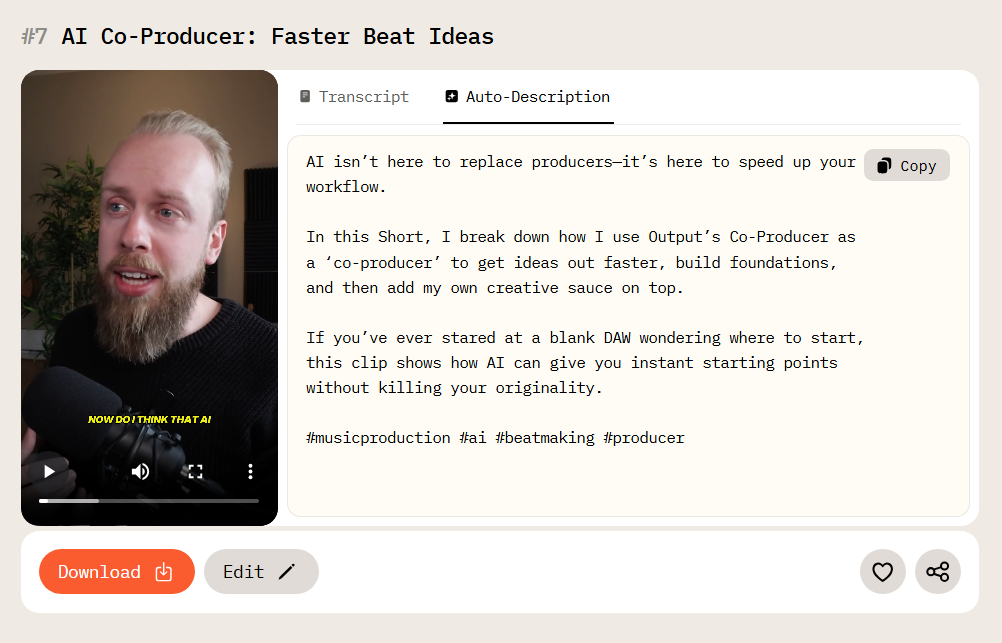
This is rarely handy in today’s digital landscape, where short-form videos receive 2.5x more engagement than long-form content, and 47% of marketers say short-form videos are more likely to go viral than any other format.
Descript requires going through the footage and the transcript, and deciding what to cut yourself. But with AI Video Cut, it's all done automatically. It uses advanced speech recognition tech to analyze your video's audio track, identify the most compelling spoken moments, and combine them into a cohesive clip or several clips.
Key features:
- Automated video cutting. AI selects and stitches together the best moments from long footage into engaging clips.
- Control over output. You can select the output type depending on what result you aim to achieve. You can also write your own custom prompts that will fit your needs perfectly.
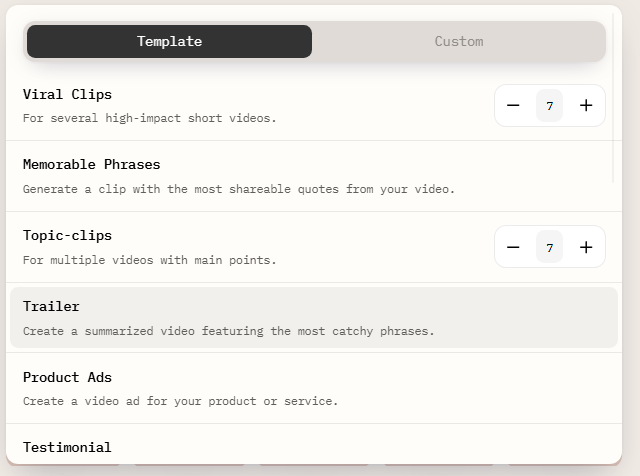
- Customizable clip length. Choose from 7, 15, or 25 quotes to control the final clip's length and match different platform attention spans.
- Multi-language support. AI Video Cut works in multiple languages, with the option to manually specify the language for better transcription accuracy.
- Aspect ratio adaptation. Easily optimize video for any platform: vertical for short video formats, square for Instagram and LinkedIn feed, horizontal for YouTube.
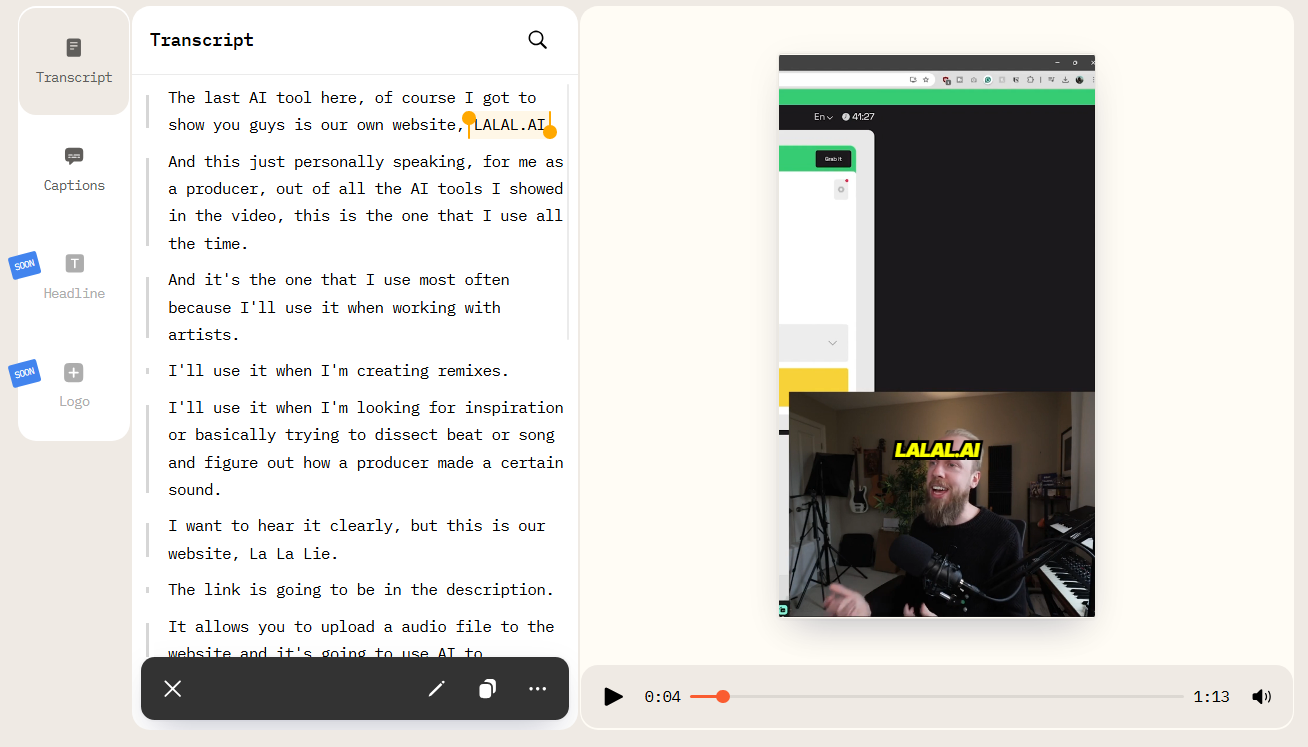
- Built-in video editor. Edit transcripts, trim segments, and customize captions directly within the tool.
Transcribe: Best for High-Accuracy Transcription
Transcribe is an affordable instrument for journalists, researchers, podcasters, and multilingual teams. It provides reliable, accurate transcripts without requiring a full editing interface. The podcasting industry context matters here: there are now over 4.58 million podcasts available globally and 584 million monthly listeners worldwide. Transcription is a core part of most podcast workflows, and Transcribe offers that as a standalone service starting at $5/hour, which is significantly cheaper than Descript.
The workflow is pretty straightforward. All you need to do is upload audio or video files from any device or cloud storage, and the AI will take care of the rest. What you get as a result is a clean transcript with speaker IDs and timestamps that you can later correct in a built-in editor. Transcribe also generates summaries and key points that can be a great help for reviewing long recordings. It is perfect for multilingual projects as the tool supports over 120 languages.
Key features:
- AI-powered transcription. High-level accuracy transcriptions, even on imperfect audio with background noise.
- 120+ languages and dialects. Language variety is perfect for multilingual projects.
- Transcript translation for global content distribution.
- Real-time transcription for meetings and live conversations.
- Speaker identification and automatic timestamps.
- AI-generated summaries and key points for fast content review.
VEED.io: Best for Social Media Marketing Videos
VEED.io is a web-based video editing suite designed for marketing teams who need to create promotional videos and social media content. It's got everything Descript has, plus a bunch of extra templates you can use to make new videos from scratch, which is great for teams that don't always have raw footage to work with.
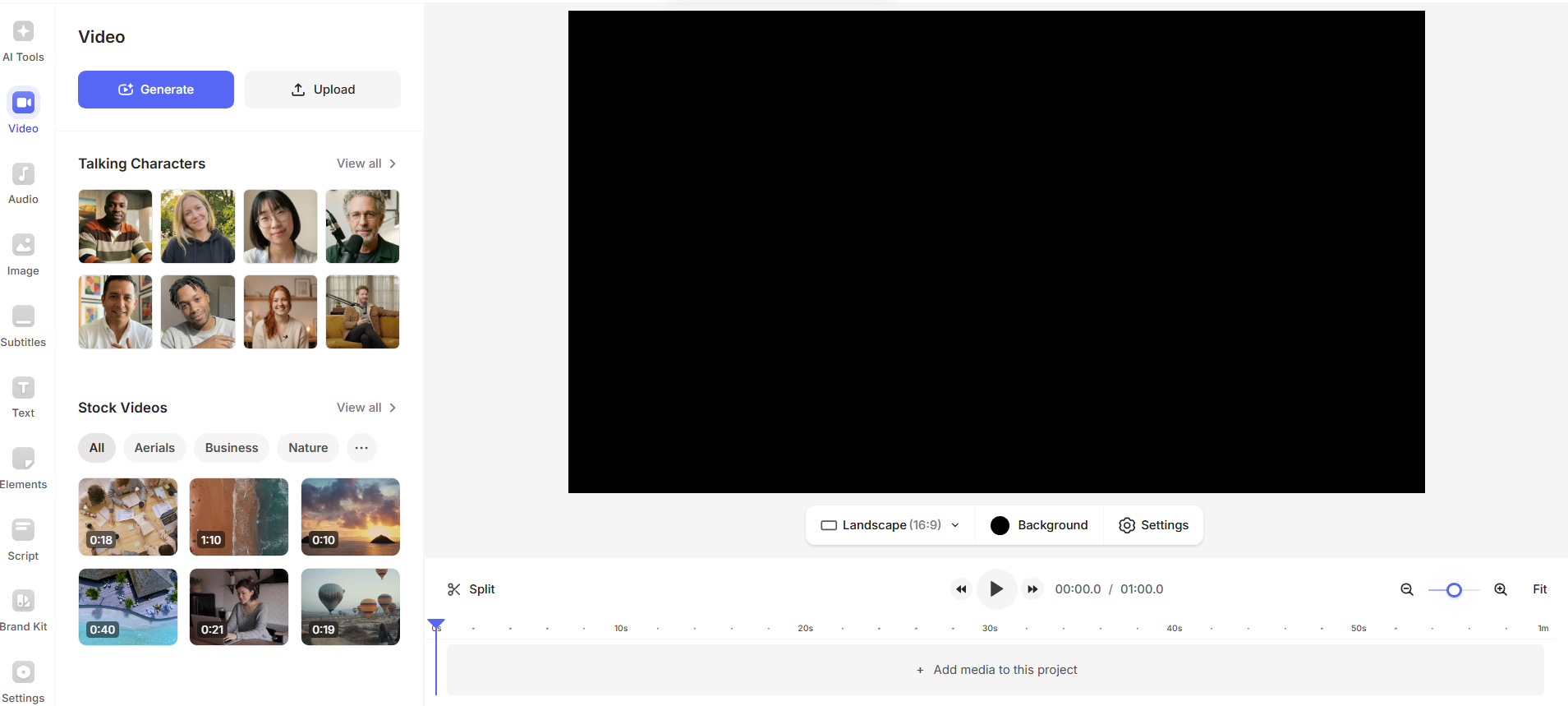
VEED can handle AI translation and automatic subtitles in multiple languages without requiring new recordings, something Descript cannot match. However, there is no feature to automatically identify the most compelling moments in long videos, so you still have to manually select what to keep. Compared to AI Video Cut, this tool makes the whole process less efficient when generating clips in bulk.
Key features:
- One-click subtitling. Automatically generate and apply accurate captions to your video in seconds.
- AI translation. Translate subtitles and voiceovers into multiple languages without re-recording.
- Template library. Create new videos from scratch using a wide range of ready-made social and marketing templates.
- Custom branding. Apply logos, colors, and fonts consistently across all your videos.
- Cropping and resizing. Quickly adapt video dimensions for different platforms and aspect ratios.
CapCut: Best for Short Video Editing
CapCut is a video editor for both desktop and mobile devices. It is one of the first choices for creators who work closely with TikTok and beginners who edit frequently on their phones. It is also user-friendly and very intuitive to work with. It has text-based editing, just like Descript, but it's way more accessible. You don’t need a subscription, and it's super easy to switch between your phone and desktop, so it can fit into any workflow. Even though some features are only available with a paid subscription, the free option has enough tools for editing.
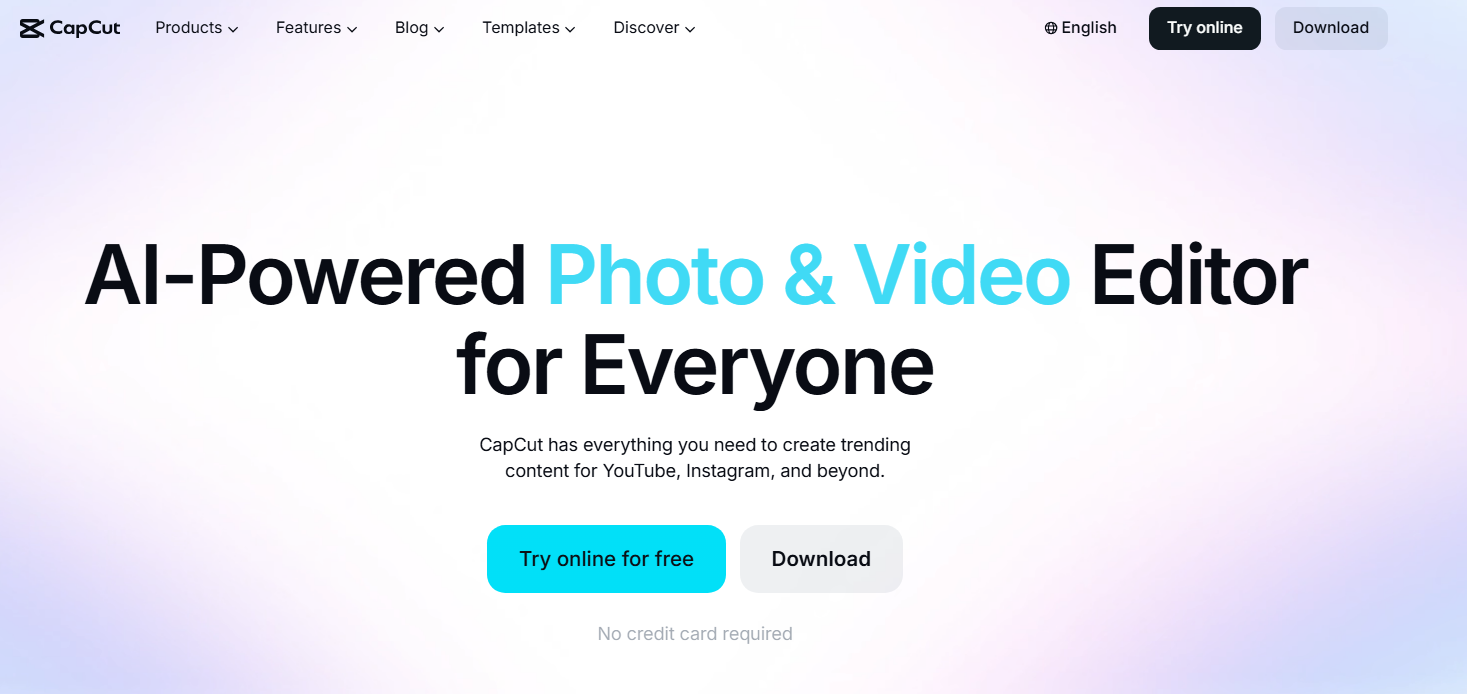
For short video content creation, CapCut's template ecosystem is one of the greatest features. However, it's important to note that it's an editing tool, not an intelligent repurposing tool. If your goal is to generate short clips from long-form content without any manual effort, then AI Video Cut is the better option. CapCut can later serve as the next step to add sound and visual effects.
Key features:
- Text-based video editing. Edit your video by editing its transcript, just like Descript, without touching a timeline.
- Auto-captions. The paid version allows you to generate captions automatically and customize them.
- Template library. Access hundreds of ready-made templates optimized for short-form social content.
- Visual effects. You can add them with a few taps, including various transitions and filters.
- Cross-device editing. Work on your projects on your smartphone, browser, or desktop. Start on one device and continue on the other with zero extra steps.
Wondershare Filmora: Best Editor for Full Control
Wondershare Filmora is a video editor that has all the features you could possibly need. The combination of AI tools and a traditional creative timeline makes it ideal for creators who want more visual control than Descript offers. It offers motion tracking, color grading, LUTs, effects libraries, and a wider range of transitions and filters.
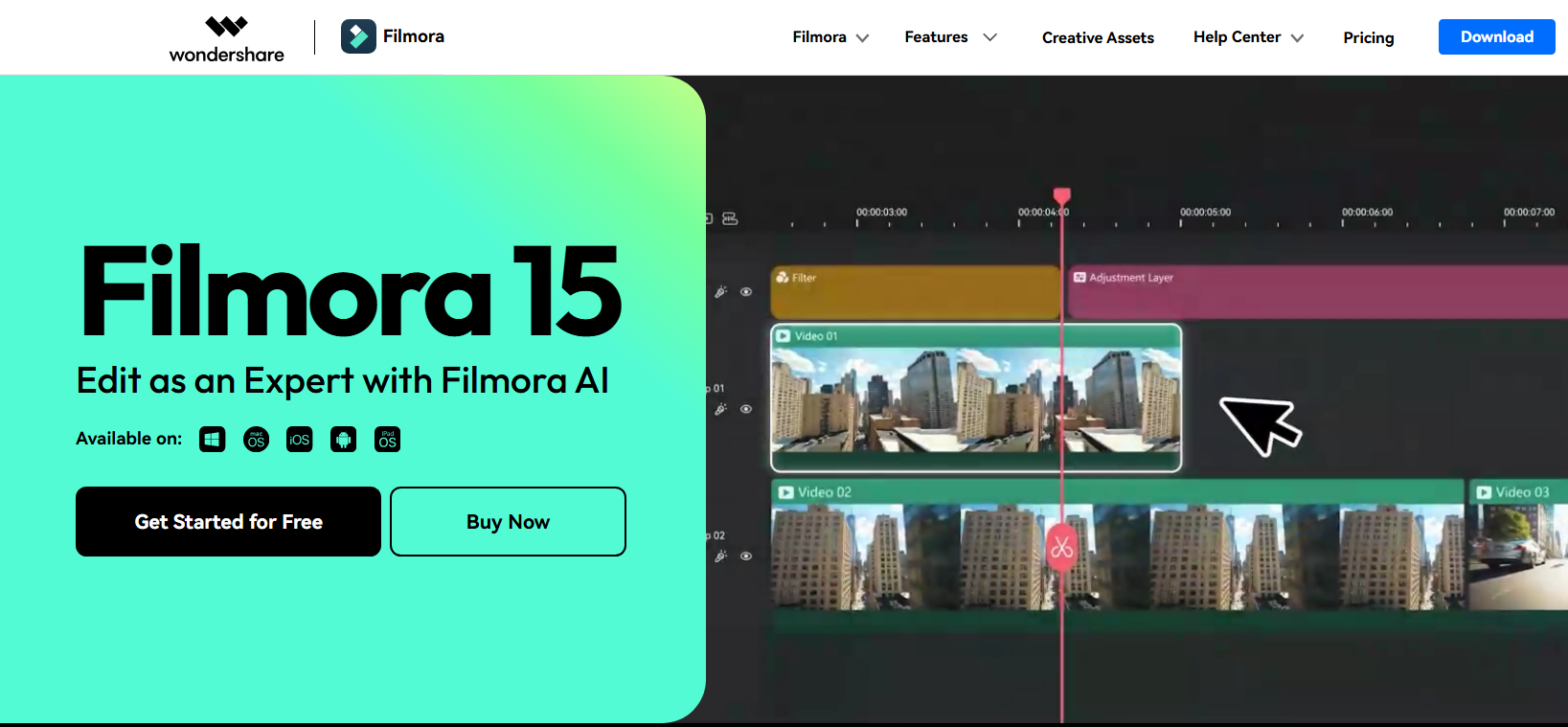
It's a great choice if you need more flexibility in your workflow, rather than speed. The main drawback is that it has a steep learning curve for new editors, and, like the other tools here, it doesn't automate the generation of short clips from long content. This task, however_ can be done by AI Video Cut.
Key features:
- AI Smart Cutout. Remove subjects from backgrounds automatically.
- AI background removal. Clean up or replace video backgrounds with one click.
- Motion tracking. Attach text, graphics, or effects to moving objects so they follow the action throughout the clip.
- Color grading and LUTs. Adjust tones, contrast, and brightness, or apply cinematic looks using presets.
- Effects and transitions library. Choose from hundreds of visual effects, filters, and transitions to add variety to your edits.
Descript Alternatives Comparison Table
Frequently Asked Questions
Is there a Descript alternative with a mobile app?
Yes. CapCut is the only tool in this comparison that has a fully featured mobile app available on both iOS and Android. AI Video Cut has a browser-based version that can be used on mobile devices. Descript itself does not have a mobile editing app.
What is the best Descript alternative for repurposing long videos into short clips?
AI Video Cut is the best tool for it. AI Video Cut differs from Descript because it doesn't require any editing. The tool automatically analyzes speech, selects the best moments, and creates a finished short-form clip with minimal input from the creator.
What is the best free Descript alternative for video editing?
AI Video Cut, because it gives you 50 minutes of free editing to try out before you commit. CapCut is the best free alternative to Descript for mobile-first creators, especially for TikTok content. VEED.io also has a free plan.
What is the best Descript alternative for transcription only?
Transcribe is one of the best dedicated transcription alternatives to Descript. It supports 120+ languages and dialects, offers pay-as-you-go pricing starting at $5/hour, and delivers high-accuracy results even with imperfect audio.
AI notice: This feature uses AI technology to process your video files.