
Best CapCut Alternatives for Creating Short Videos
Looking for a better alternative to CapCut? Compare the top AI-powered tools for turning long footage into viral short clips.

AI notice: This feature uses AI technology to process your video files.
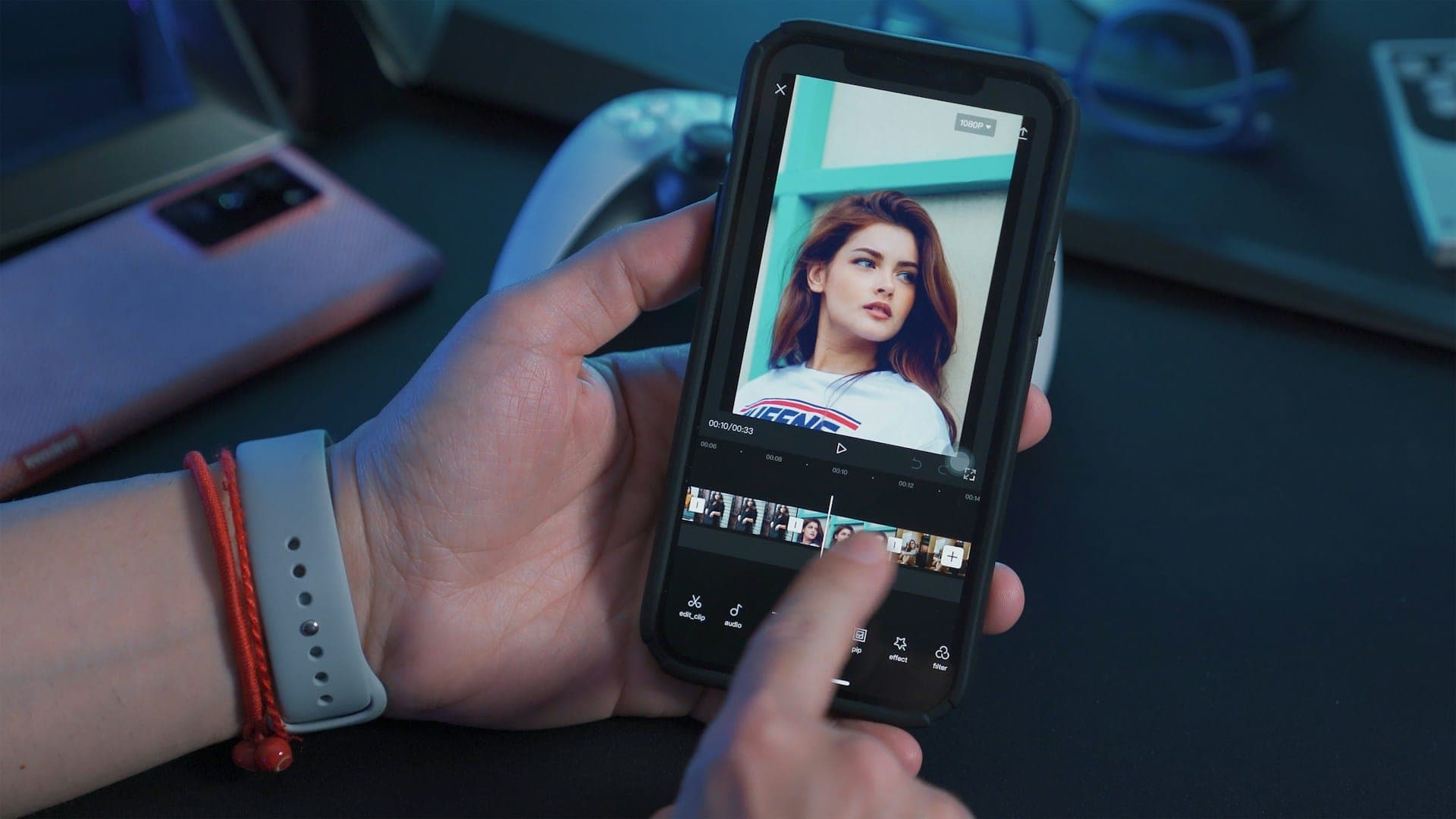
If you've been using CapCut to turn long-form content into short clips, you might have already hit its limits. Maybe you're fed up with manual timeline editing, lack of AI automation, or just want a tool for speech-driven content. This guide looks at the best CapCut alternatives, focusing on saving time, maintaining quality, and publishing content faster.
What Is CapCut, and Why Are Creators Looking for Alternatives?
CapCut is a free video editing app that's well known for its filters, effects, and timeline editor. It's great for short, visuals-based content, but it's largely a manual tool. You still have to watch through your footage, identify the good bits, trim the clips, and arrange them yourself. What is more, only a limited set of in-app tools is available on the free plan; for more options, you will have to buy a Pro subscription. If you're a creator dealing with hour-long interviews, webinars, or podcast recordings, that workflow doesn't scale.
People usually look for alternatives to CapCut for the following reasons:
- There's no AI-powered clip detection, so you have to find highlights manually.
- It's not optimized for spoken-word content like interviews or podcasts.
- There's no transcript-based editing, so you can't search for a moment by what was said.
- It's limited in terms of automation for batch or high-volume publishing workflows.
- There are availability concerns, too. CapCut has faced distribution bans in certain markets, leaving creators looking for alternatives.
The Content Repurposing Advantage
Creating short clips from scratch for every platform isn't sustainable. The smarter approach is repurposing: turning one long-form recording into multiple platform-ready clips. The efficiency gains are significant:
- Content repurposing saves 60–80% of content creation time compared to building each piece from scratch.
- Active repurposing programs typically save 10–20+ hours per week for marketing teams.
- 68% of businesses report increased content marketing ROI from AI-driven repurposing tools.
- 93% of marketers report a positive ROI from video. That’s the highest level ever recorded.
Finding the right CapCut alternative eliminates the parts of the workflow that don't require much human input.
The Best CapCut Alternatives in 2026
Not every creator has the same editing workflow or content strategy. Some tools are better for podcast editing, some for viral social clips, and some for advanced professional editing. If you're looking for an alternative to CapCut, it's worth checking out a few different platforms to find the right ones for you.
AI Video Cut: Best for Spoken Content Clipping
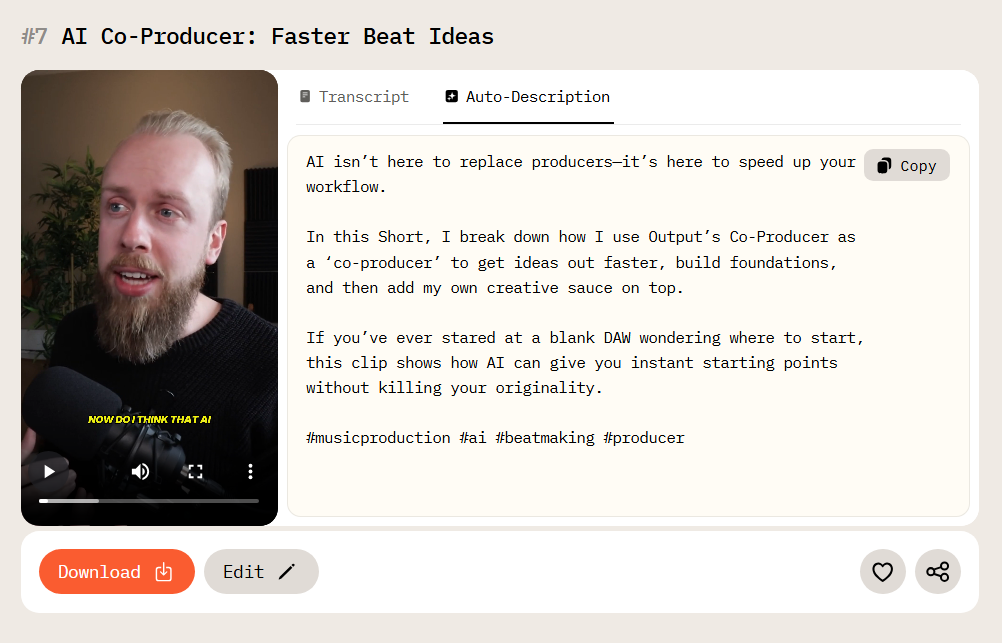
If your videos feature people talking, like in interviews, product demos, presentations, or webinars, then AI Video Cut is the best tool for the job. Instead of having you go through the footage yourself, it uses advanced speech recognition to analyze the audio track of your video from start to finish.
AI Video Cut transcribes your video, identifies spoken words, timestamps, and speaker changes, then automatically selects the most engaging moments and puts them together into a short clip. You don't have to watch a single second of raw footage to get a polished result.
This is important for the data: 71% of people decide within the first few seconds whether to keep watching. So it's crucial to get the right moment into your clip to make sure people don't just scroll past it. AI Video Cut's speech-based selection is designed to identify the most meaningful moments.
Key features:
- Automated video cutting. The AI finds the best bits from your long footage and makes a highlight Reel.
- Customizable clip length. You can choose outputs based on 7, 15, or 25 phrases, which is just right for the attention spans of the platforms you're using.
- Multi-language support. It works across languages, but if the AI doesn't detect the right one, you can just override it manually.
- Aspect ratio adaptation. You can instantly change the video format for TikTok (9:16), YouTube Shorts, Instagram Reels, LinkedIn, and more.
- Built-in video editor. You can edit the transcript directly to trim moments, adjust captions, and fine-tune results without touching a timeline.
There is also a dedicated Caption Generator on the website if you already have a short clip but need captions for better accessibility. You can simply upload your video, choose a caption style, and the tool will recognize speech and add subtitles to the file. You can find the tool in the Products section.
VN Video Editor
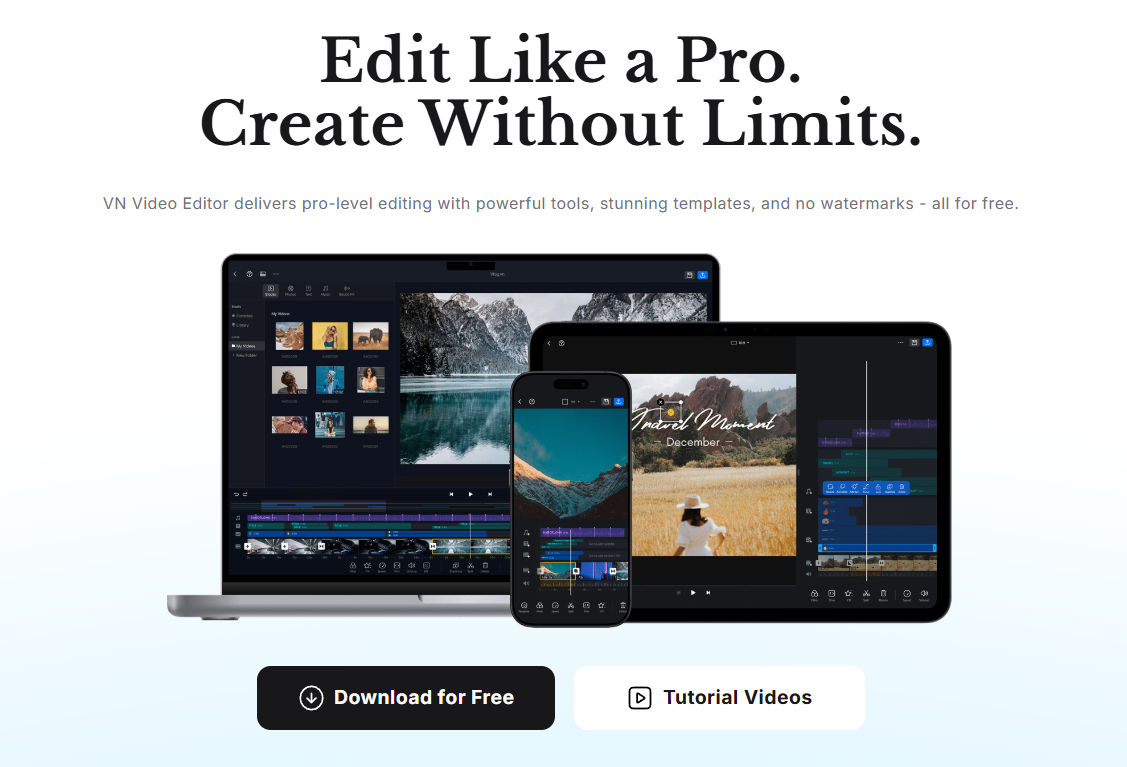
VN Video Editor, also called VlogNow, is one of the most fully-featured free video editors you can get on iOS, Android, and macOS. It's become pretty popular as a CapCut alternative for creators on mobile, especially after issues with its distribution in certain markets.
Since most Gen Z and Millennials now watch short videos on TikTok, YouTube, and Instagram, and most of that is watched and made on phones, having a strong mobile editor is a great idea. VN is an excellent choice for creators who enjoy hands-on editing and want a capable, honest free tool. However, it doesn't automate the hardest part of content repurposing: finding what's worth clipping.
Key features:
- The editor is completely free with no watermarks. Unlike most free editors, VN exports at full quality (up to 4K 60 fps) without branding.
- Multi-layer timeline editing. Overlay video, images, stickers, and text on separate tracks, similar to desktop software-
- Keyframe animation. Add motion to text, stickers, or clips for professional-looking results.
- Beat sync. Mark rhythm points in your audio and align cuts to the music automatically
- Green screen support. Built-in chroma key for creative backgrounds.
- Cross-device sync. Projects sync between mobile and macOS for flexible editing. However, the Windows version might require a few extra steps to install.
Submagic
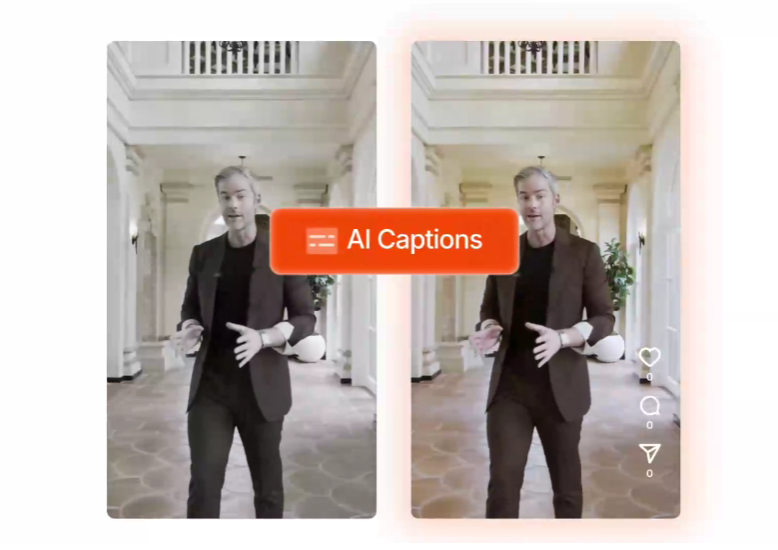
Submagic has built its reputation primarily on captions, and they genuinely stand out. But the tool has grown a lot since it started with subtitles. Now it's a full suite of short-form production tools, including context-aware B-roll adding and automatic framing for vertical formats.
Captions are becoming increasingly important: It's pretty amazing that 60% of brands now use AI for video captions, and with so many people watching short videos on mute or in noisy environments, on-screen text is a big deal.
Submagic is a great choice if you want AI to handle not just captions but also the visual production layer, automatically filling your clips with relevant B-roll and reformatting them for vertical platforms.
Key features:
- Auto-captions with animations and emoji. Animated subtitles with emoji, highlight words, and attention-grabbing styling baked in.
- 48+ caption languages with translation support into 100+ languages
- AI auto B-Roll. Submagic integrates with Storyblocks to automatically detect the context of what's being said in your video and insert relevant royalty-free stock footage at that moment. You can also upload your own B-roll or search the library manually.
- Auto-Framing. When your source footage is landscape, and you need vertical output (TikTok, Reels, Shorts), Submagic's auto-reframing intelligently repositions the frame rather than just cropping it.
Descript
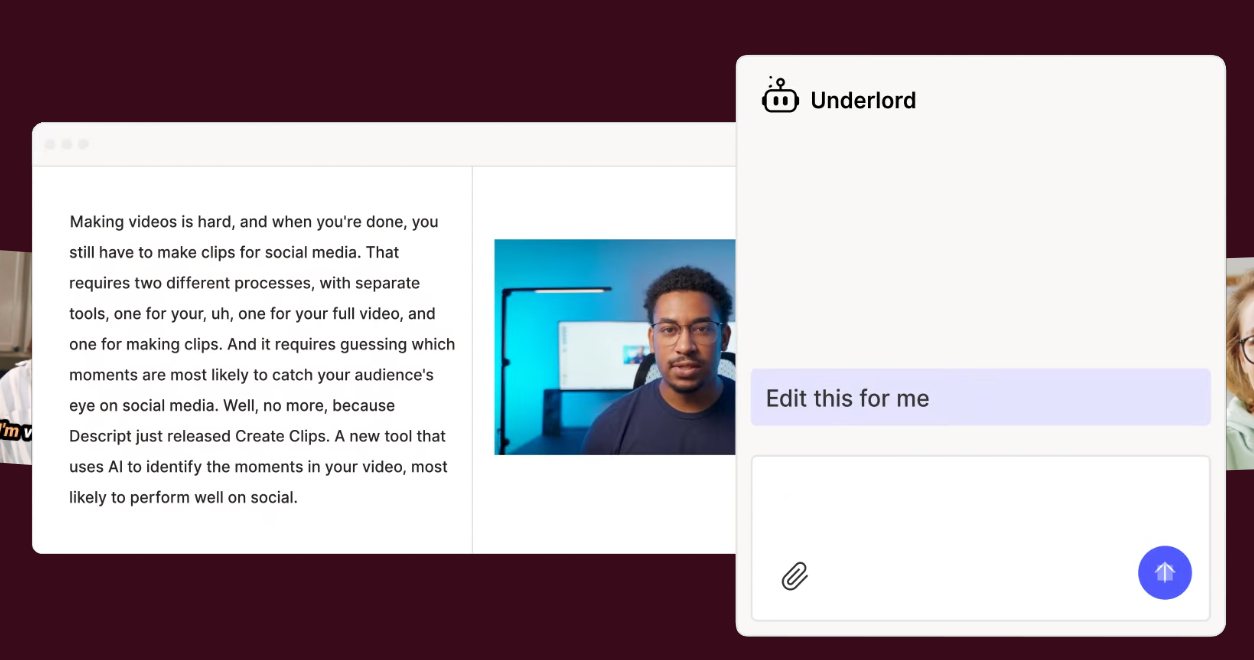
With Descript, you can edit your videos using a text transcript, so you can easily delete sentences to remove them from the video. It's a really different way of working, and it's perfect for anyone who's not comfortable with traditional timelines. You upload or record your video, Descript transcribes it, and you edit the text. If you're making talking-head content, this tool will make your workflow faster than ever before, no need to scrub a timeline. Most new users are making edits within half an hour of opening the app for the first time. The transcript approach also makes it easy to search for specific moments: if you remember a guest said something about "pricing strategy," you can find and isolate that clip in seconds just by searching the text.
However, Descript is less suited for creators who need mobile editing, heavily visual or cinematic content, or a fully autonomous clipping pipeline. Descript is desktop-only (Mac and Windows) with no mobile app
Key Features:
- Text-based editing. The core mechanic: edit the transcript and the video updates in real time. Remove pauses and off-topic tangents by selecting and deleting text.
- Filler word removal. It automatically detects and strips "um," "uh," "like," and similar hesitations from the transcript and the audio simultaneously.
- Screen recording. Built-in screen and webcam capture, making Descript a complete record-to-publish pipeline for tutorial and demo creators.
- Multicam editing. Sync and switch between multiple camera angles directly in the transcript view.
- Collaborative cloud editing. Projects live in the cloud, editable by multiple team members simultaneously without sending files back and forth. Works on both Mac and Windows
Feature Comparison at a Glance
Frequently Asked Questions
What is the best free alternative to CapCut for making short videos?
It depends on your workflow. For manual editing with no watermarks, VN Video Editor is one of the strongest free alternatives. It exports at up to 4K with no branding and no hidden costs. For AI-powered repurposing of spoken-word content, AI Video Cut automates the hardest part of the job: finding the best moments in long footage without having to watch every minute.
Which CapCut alternative is best for podcasters?
AI Video Cut is the strongest option for podcasters. It analyzes speech, identifies the most engaging spoken moments, and generates short clips. That also includes captions and aspect-ratio formatting for every major platform. You go from a 60-minute episode to a set of shareable clips without watching a single minute of footage.
Can I use AI to automatically create short clips from long videos?
Yes. Tools like AI Video Cut use AI to analyze your footage and output short clips. AI Video Cut uses speech recognition to identify meaningful moments based on what was actually said.
Does AI Video Cut work with non-English videos?
Yes. AI Video Cut supports 100+ languages, and users can manually specify the language if automatic detection doesn't recognize it correctly.
What types of videos work best with AI Video Cut?
AI Video Cut is great for videos with lots of dialogue. This includes interviews, podcasts, webinars, online courses, product demos, presentations, and Q&A sessions. It uses speech recognition rather than image recognition, so it works best when the main content is what people are saying, not what's happening visually.
AI notice: This feature uses AI technology to process your video files.