
How to Use AI Video Cut in an Instagram Growth Workflow Along with Other Instagram Growth Tools
Thinking of integrating AI Video Cut into your Instagram growth strategy? Practical tips in our new article.

Aviso de IA: Esta función utiliza tecnología de IA para procesar tus archivos de video.

In 2025 and into early 2026, many content creators and small brands face a common challenge on Instagram: how to post more content, more often, with a level of polish that catches attention, and do it without spending every hour of the day at a screen. Tools that once served this purpose, such as automation of liking, commenting, and mass following, have faded or become less relevant, and the ecosystem has shifted toward more modular and AI‑assisted workflows.
This article shows how AI Video Cut can be integrated into a broader Instagram content pipeline that combines content creation, scheduling, audience engagement, and analytics, stitching together tools that help you keep pace with platform demands and audience expectations.
AI Video Cut: Turns Long Raw Footage into Publish‑Ready Clips
For many Instagram creators, especially those focused on Reels, the first bottleneck is turning long‑form video into short, attention‑grabbing clips. That’s where AI Video Cut plays a role.
Professionals working with event footage, tutorials, or livestream recordings use AI Video Cut to quickly extract the most engaging segments: the moments most likely to hold viewer attention on mobile feeds. Instead of manually scrubbing through hours of video, AI‑assisted cut detection and key moment detection let creators pull out highlights in minutes.
Once these clips are ready, they can be exported with square or vertical aspect ratios, optimized for Instagram’s Reels and Stories formats. This is the first step in a workflow designed to produce consistent, high‑frequency content without excessive time investment.
Here’s how AI Video Cut can help you trim long conversational videos into viral-ready Reels:
- Upload your full video. Add your lesson, webinar, livestream recording, or talking-head video to AI Video Cut. You can add it either as file or a YouTube link.
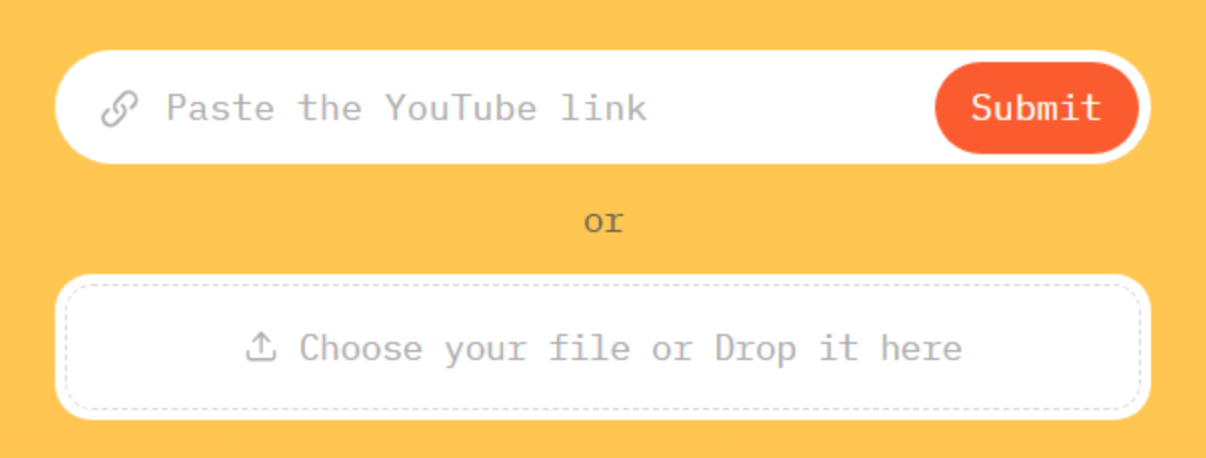
- Choose the output, aspect ratio, and clip length. The tool scans the audio and transcript to detect key moments, strong quotes, emotional peaks, and topic shifts.
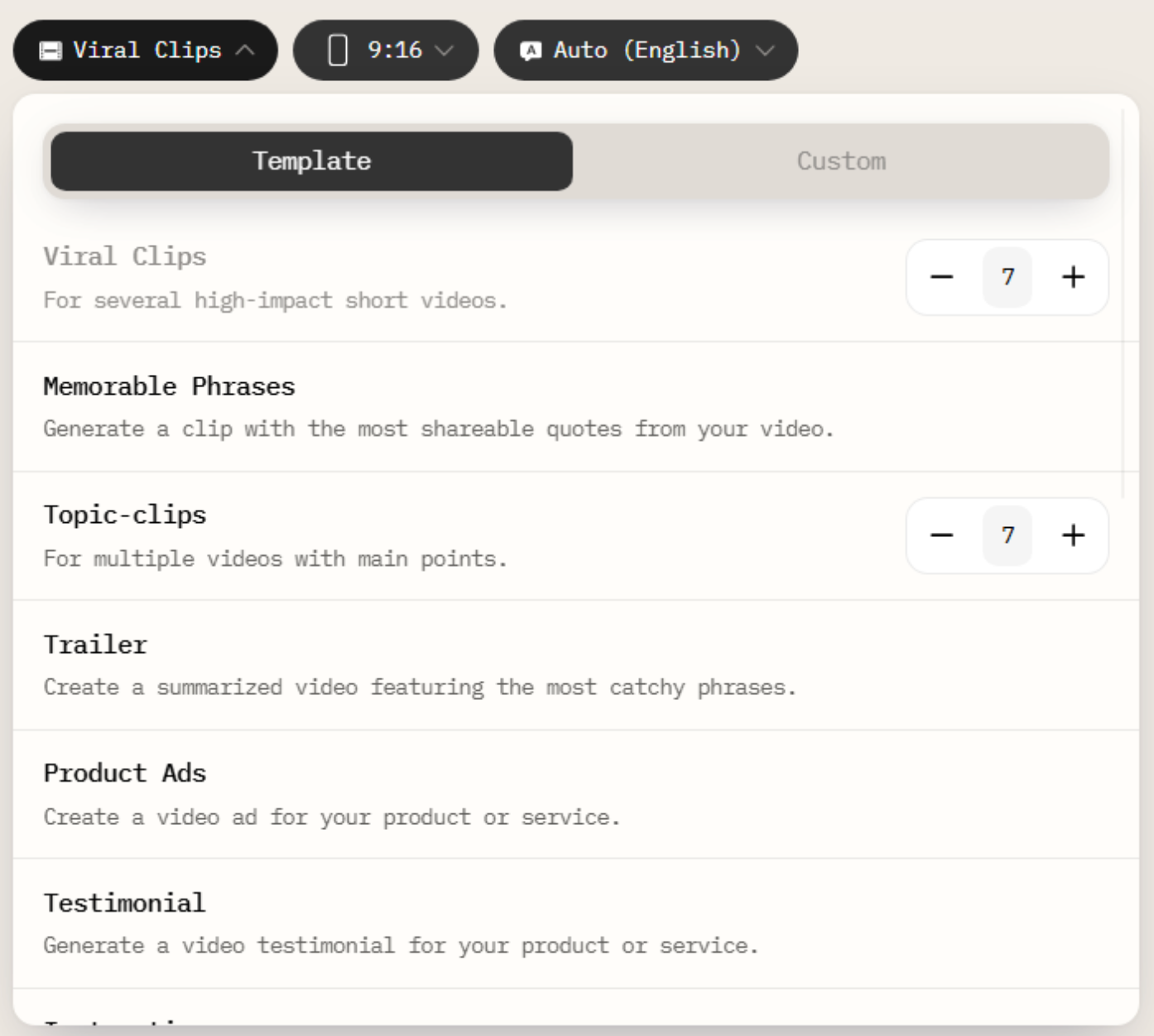
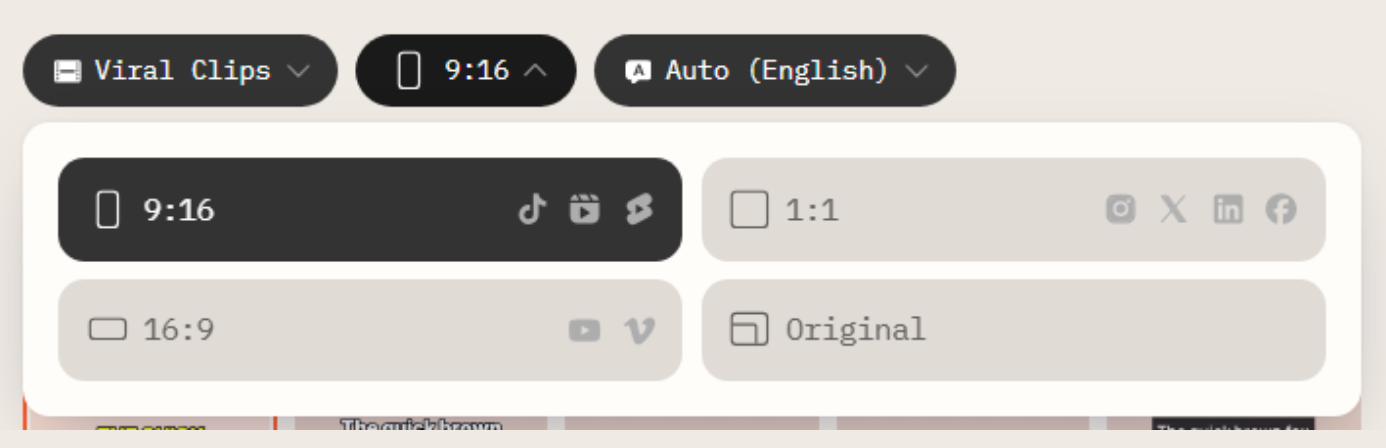
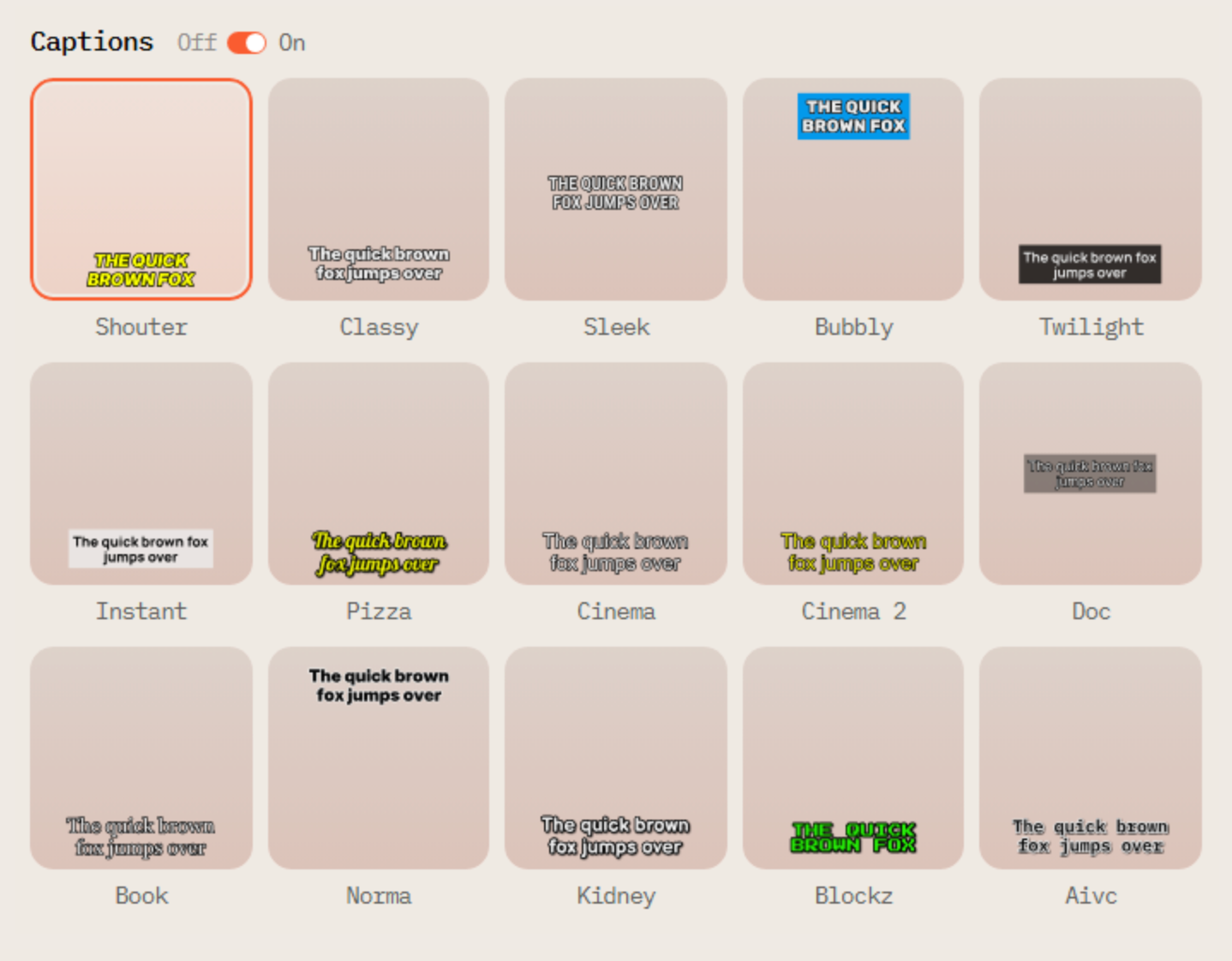
- Make sure your clips have captions. Choose one of the caption styles that fits your video best. If you prefer a clean text-free look, toggle the captions off.
- Let AI Video Cut create short clips. AI Video Cut creates multiple short videos that have the highest potential to work as standalone viral videos on social media.
- Choose the best clips. Review the suggested cuts and keep the ones that feel the most engaging, insightful, or entertaining.
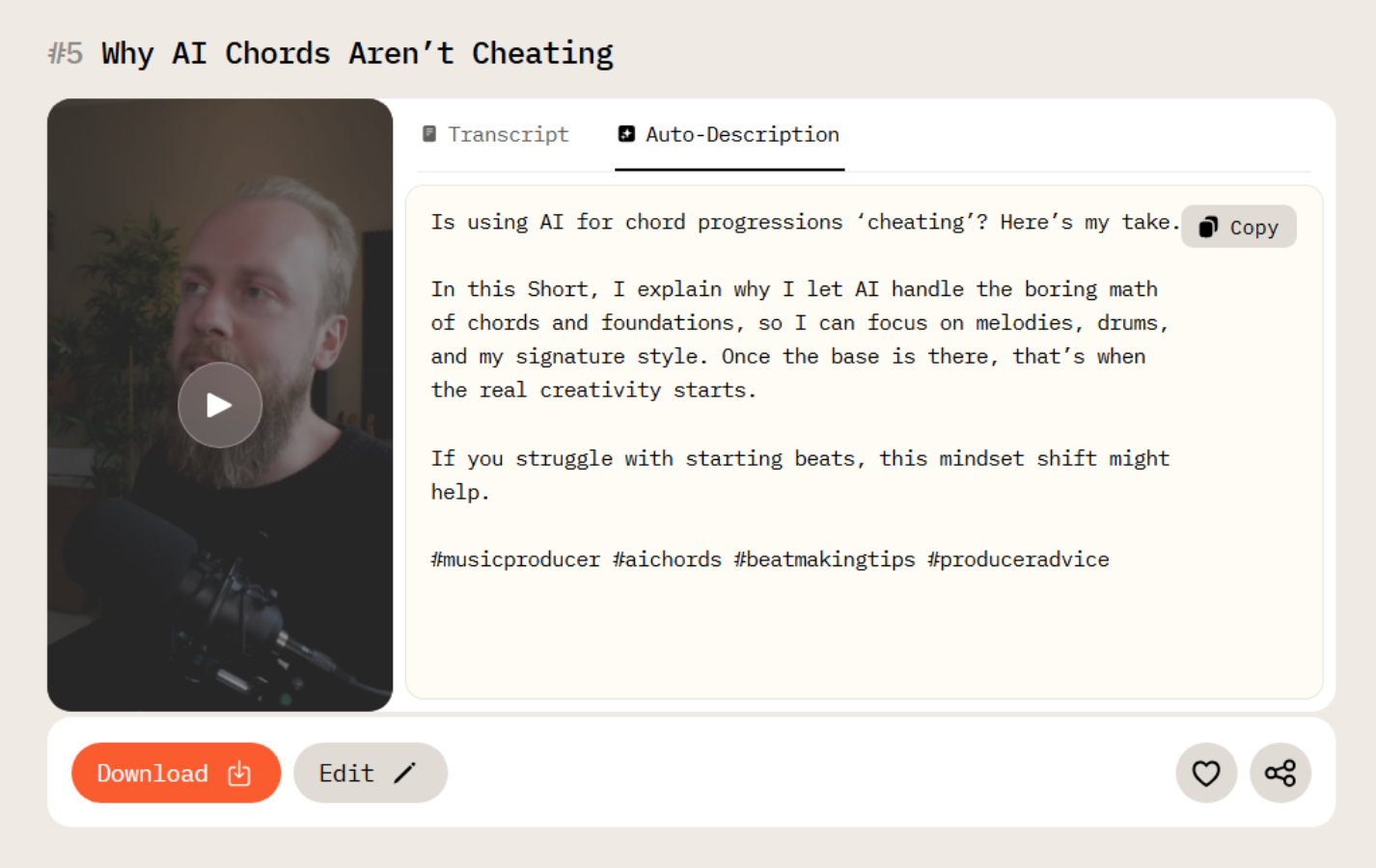
- Export in social-ready format. Download clips optimized for Instagram Reels, TikTok, and YouTube Shorts.
- Post consistently. Turn one long video into a week (or more) of short-form content.
Tools for Instagram Planning & Scheduling: Keeping a Consistent Presence
After preparing clips, the next challenge is when and how to post. A handful of social media tools help with planning, scheduling, and optimizing posts across Instagram.
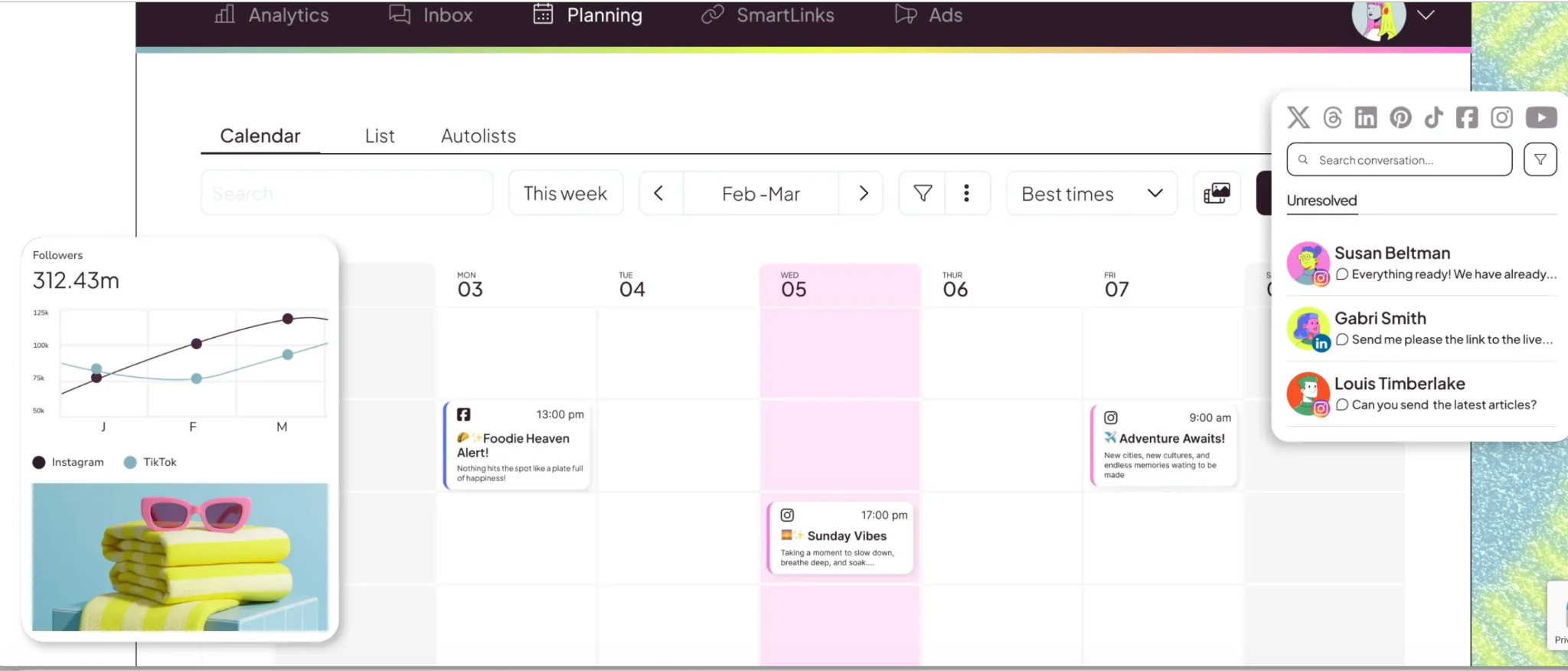
Platforms like Later and Buffer offer drag‑and‑drop calendars and scheduling interfaces that let creators arrange their AI Video Cut outputs in a weekly or monthly plan. Later, for example, combines a visual content calendar with hashtag suggestions and optimal posting time predictions, easing the planning burden for teams and individuals alike.
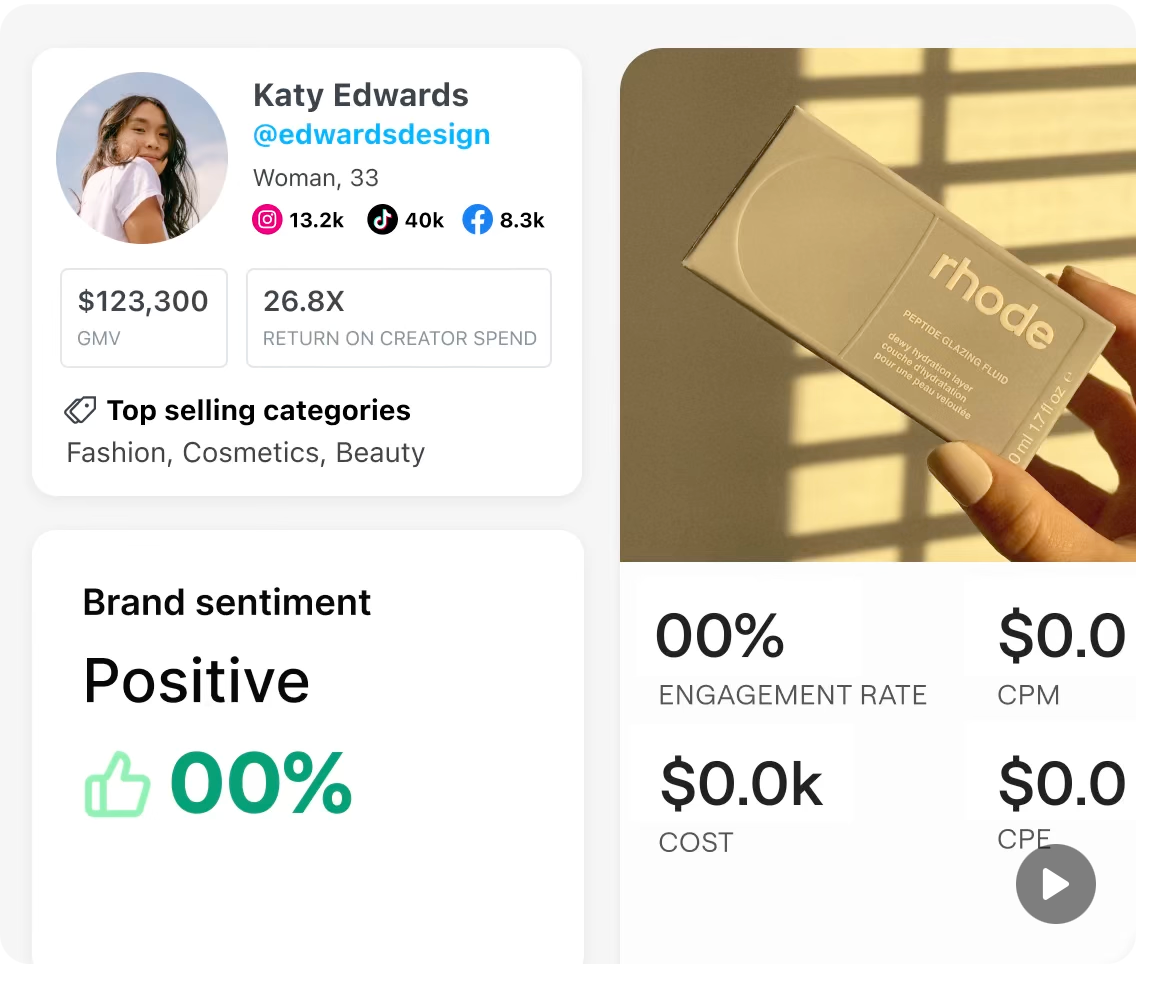
Buffer’s scheduling features allow users to connect multiple social profiles and set posts to go live at times when target audiences are most active.
Some tools go beyond posting: they include basic analytics dashboards that show how each Reel, Story, or carousel performs against engagement benchmarks, helping you refine the content mix over time.
Tools for Instagram Audience Engagement and Automated Interaction
Once content is scheduled and posted, the next piece of the growth puzzle is engagement. In particular, timely responses to comments and direct messages. Several services provide automation features that help lighten this load.
Tools like Inflact (formerly known as Ingramer) offer automated interactions such as scheduled likes, follow/unfollow sequences, and even automatic replies to common comments or DMs. This kind of automation can help maintain momentum on active posts without requiring constant manual oversight.
For creators wanting to build more targeted follow lists, some operators turn to combinations of scraping backends and automation dashboards that pull data on users engaging with specific hashtags or competitor accounts, then push interactions through automated actions. These setups can be complex and should be used with care, but they reflect where some growth communities are focusing their efforts in 2025.
Tools for Optimization with Hashtags and Analytics
Getting clips and captions right is only part of the equation. Hashtags and performance analytics influence how far a piece of content travels in the feed.
Tools like Flick specialize in hashtag research and performance tracking, helping users identify which tags are driving reach and engagement on recent posts. These platforms collect data on hundreds of thousands of tags, then highlight those that are trending or performing well within your niche.
On the analytics side, services such as Metricool not only show engagement trends but also offer AI features for drafting or rewriting captions and generating alternate versions of posts to see which phrasing resonates most with followers.
How to Integrate AI Video Cut into the Workflow
Let’s walk through a concrete example of how all these parts can fit together for a creator focused on growth:
- Record or source long‑form content: a lesson, how-to video, presentation, or event stream.
- Trim with AI Video Cut: isolate 30–60 second highlights for Reels and Stories.
- Plan with a scheduler: upload these clips to a scheduling tool like Later or Buffer; assign ideal post times and hook copy.
- Optimize with hashtag tools: use Flick or similar platforms to find the best tags for reach.
- Automate engagement: set auto‑responses for common queries using tools like Inflact, and monitor comments with a central inbox.
- Review analytics: check performance data in Metricool or your scheduler’s native dashboard, then adjust your next batch of clips, captions, and tag choices accordingly.
This kind of pipeline turns a task that once took hours each day into a repeatable process that supports frequent posting and consistent audience interaction.
Balancing Automation and Platform Rules
As Instagram’s systems become more tuned to patterns of automated behavior, creators should tread carefully. Tools that automate direct interactions, such as follows, likes, DMs, can be flagged if they operate too aggressively, mimic robotic patterns, or exceed typical user behavior limits.
Where possible, choose automation that mirrors real human actions: slow throttling, randomized reaction times, and contextual replies rather than generic messages. Many established services build these safeguards into their interfaces, but the creator should still monitor account health and compliance manually.
Frequently Asked Questions
Does AI Video Cut replace editing apps like Premiere or CapCut?
Not entirely. AI Video Cut accelerates the selection and trimming of content, but detailed motion graphics, fine color grading, or title card animations may still require purpose‑built editing software.
Will automated engagement get my account flagged?
If used too aggressively, yes. Instagram’s systems are designed to detect patterns that look non‑human. Safe use includes limiting the number of automated actions per hour and avoiding repetitive comments or follows.
How often should I post on Instagram?
There’s no universal rate, but many creators find success with a consistent rhythm — for example, one Reel per day plus a Story or carousel. Regular posting gives the algorithm fresh material to analyze and recommend to potential followers.
Are there free tools that support this workflow?
Some platforms like Buffer offer basic free plans, and others may have trial periods. However, many advanced features, such as AI captioning, deep analytics, automated interactions, are part of paid tiers.
Aviso de IA: Esta función utiliza tecnología de IA para procesar tus archivos de video.