
Meet New Set of Output Types, Including Sports Highlights Right In Time for the World Cup
Create viral short clips from gaming streams, sports events, music videos, shows, podcasts, and other long footage with this new pack of output modes.

Aviso de IA: Este recurso utiliza tecnologia de IA para processar seus arquivos de vídeo.
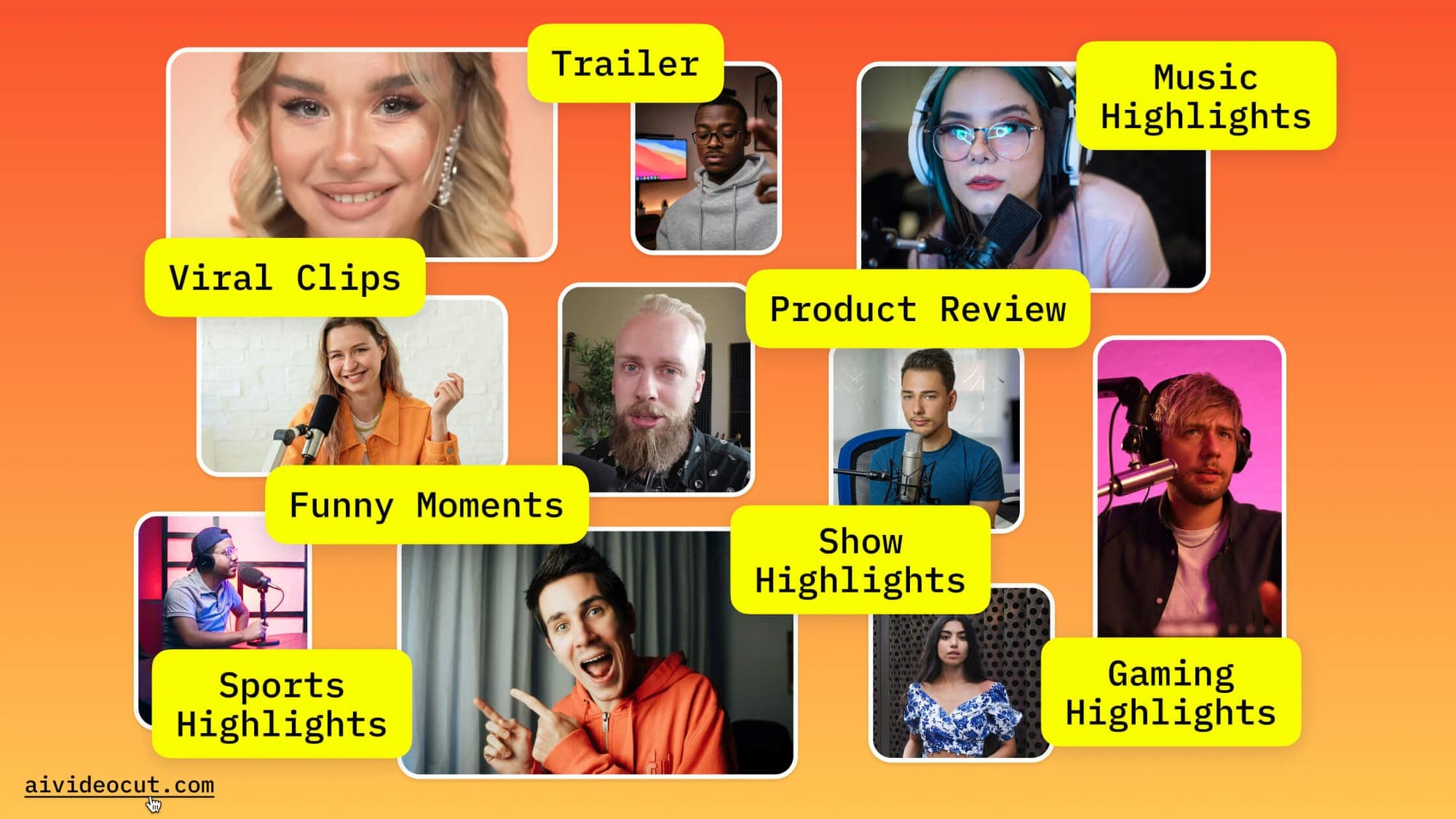
One of the most common frustrations with AI video clipping tools is that they treat every video the same way, as if a sports recap, a product demo, and a comedy compilation all need to be cut with the same logic. They don't.
AI Video Cut has updated its output types to address exactly that. After uploading a video, you can choose from eight purpose-built clip profiles, each tuned to find and prioritize the moments that matter for that specific format.
Meet Updated Output Types Set in AI Video Cut
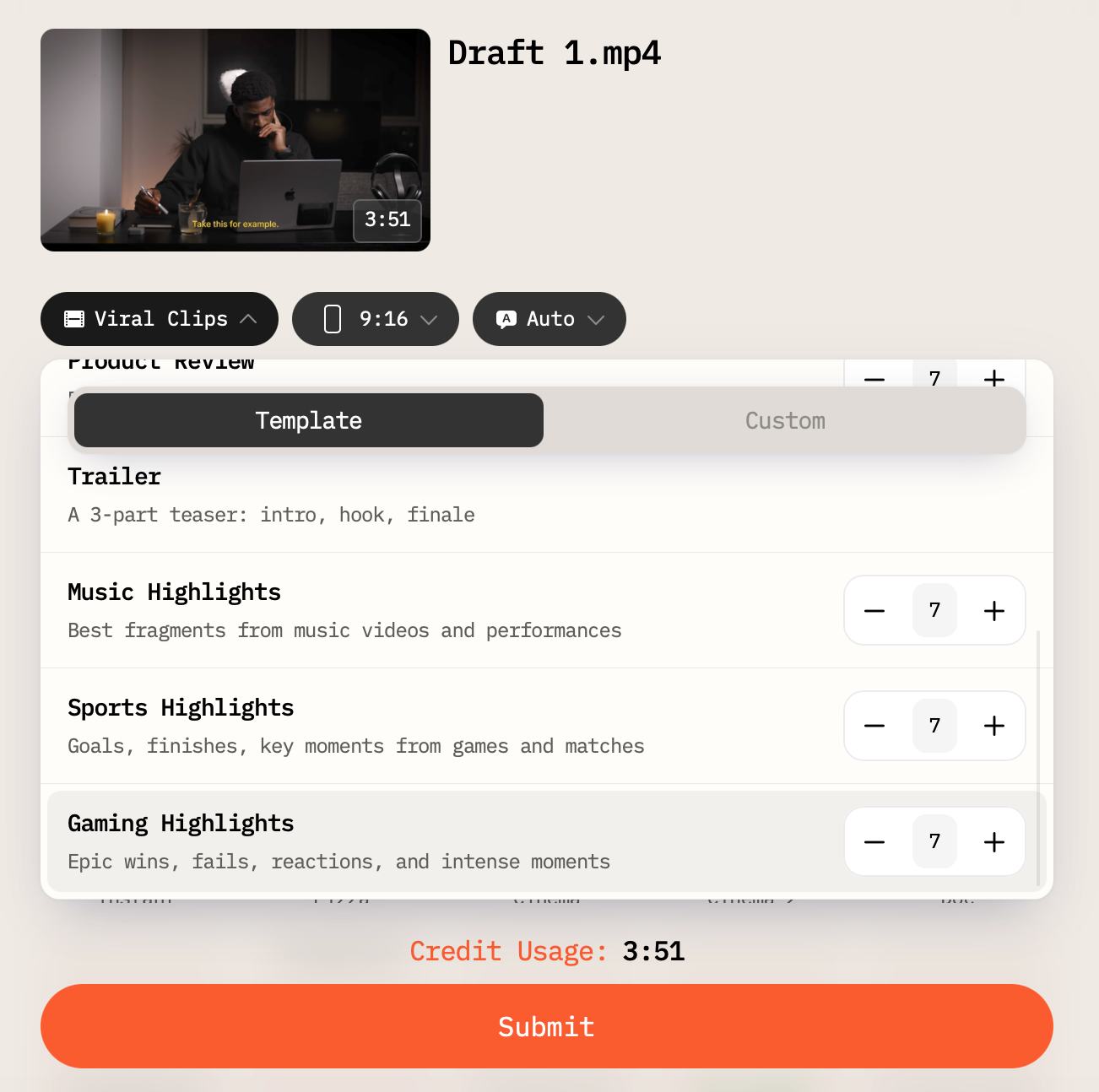
Viral Clips is the default high-energy option, built for short-form content where the goal is maximum impact and shareability in the first few seconds.
Show Highlights pulls standout moments from longer recordings: the emotional beats, the memorable exchanges, the scenes people screenshot and send to friends.
Funny Moments focuses specifically on jokes, reactions, and comedic timing, useful for podcasts, streams, or anything where humor is the draw.
Product Review extracts the substance: features, comparisons, key takeaways, and insights. Good for turning long review videos into digestible summaries.
Trailer works differently from the rest: it assembles a structured three-part teaser with an intro, a hook, and a finale. Because of this narrative structure, it works as a single output rather than a batch.
Music Highlights targets the best fragments from music videos and live performances; the moments worth isolating and sharing on their own.
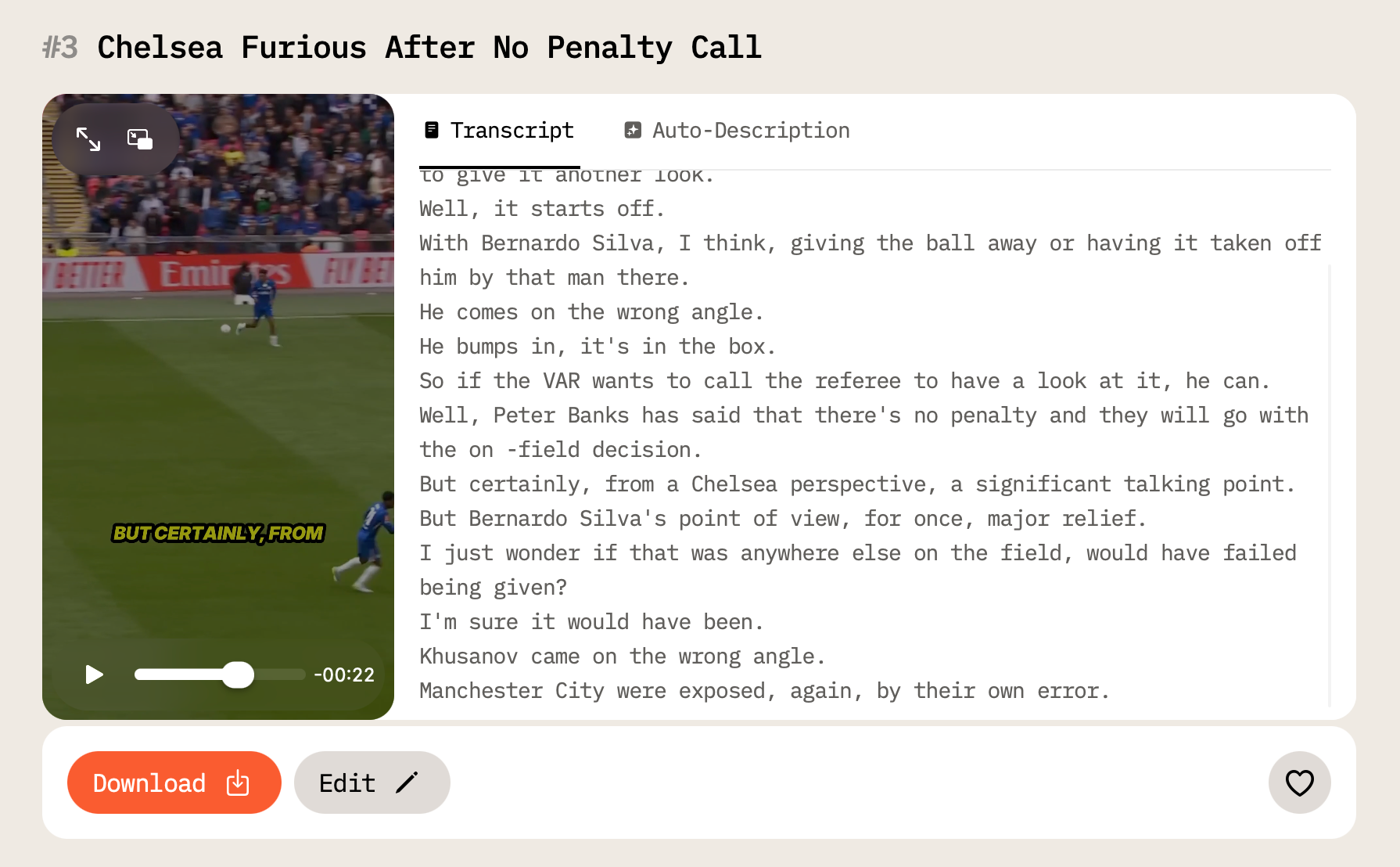
Sports Highlights is built for the feed: goals, finishes, key plays, the moments that define a match. Just in time for the flow of content that will be published during the FIFA World Cup, right?
Gaming Highlights covers the full range of gaming content, such as epic wins, fails, live reactions, and the tense moments that make streams worth watching.
Batch Creation: Make Dozens of Short Clips Out of a Single Input
For all output types except Trailer, you can now create up to 10 clips from a single source video in one run. This is useful when you need a full week's content from one recording, or when you want to see which clips perform before committing to a posting schedule.
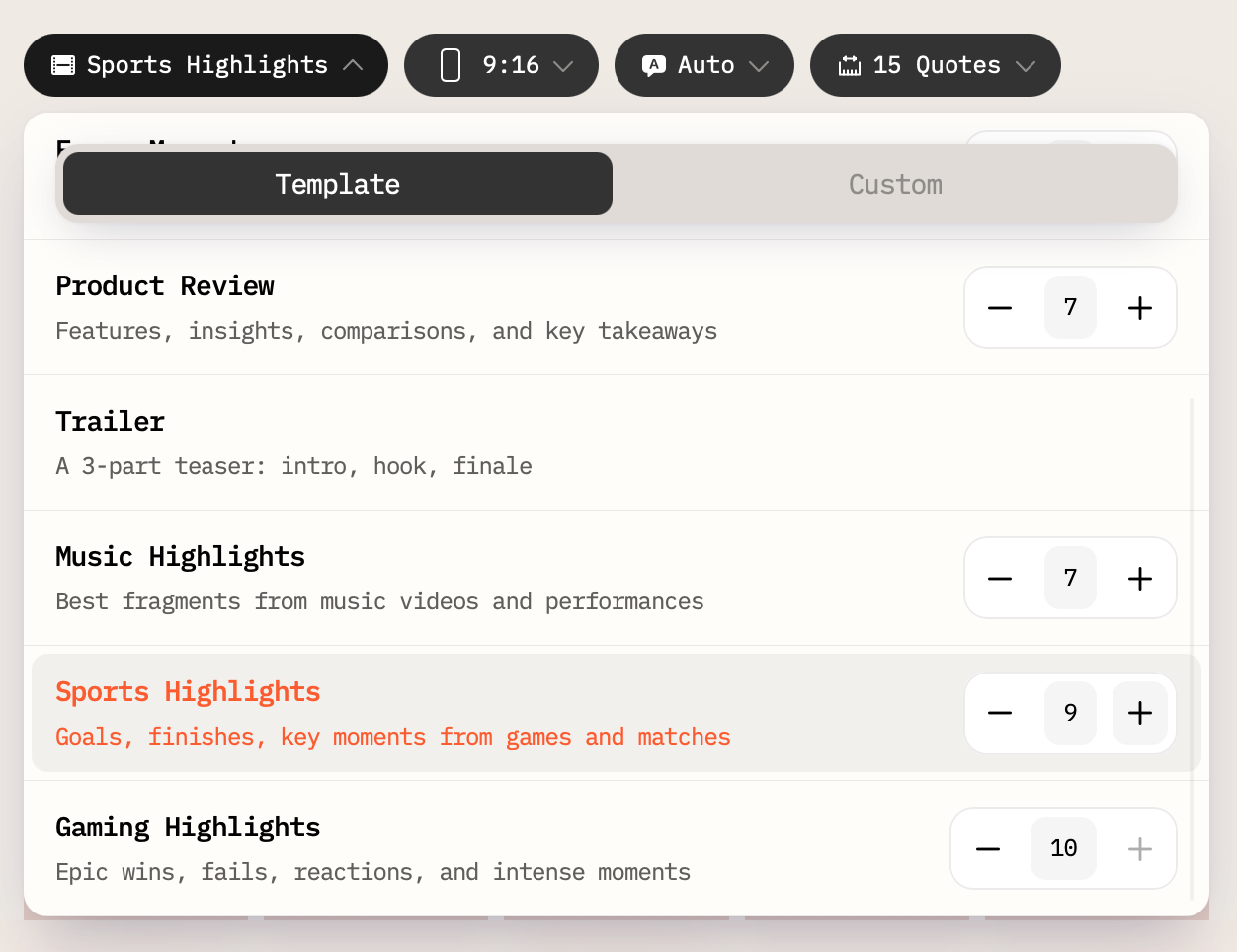
The Trailer type is excluded from batch creation by design because a trailer is a single narrative artifact, not a series of independent moments.
The output type you choose changes not just the selection criteria but the editorial logic behind the cuts. A gaming highlights reel isn't just "exciting moments from a gaming video" but specifically calibrated for reactions, intensity, and the rhythm of that content. The same principle applies across all eight types.
If you've been uploading footage and getting clips that feel generic, the output types are worth exploring. The difference between a good clip and a forgettable one is usually about what you were optimizing for, and now the tool lets you say that explicitly.
Try it at aivideocut.com.
Aviso de IA: Este recurso utiliza tecnologia de IA para processar seus arquivos de vídeo.