
The Best Instagram Reels Making Tools in 2026
Read our practical guide to the best tools for creating Instagram Reels in 2026, including AI editors, audio tools, and thumbnail design.

AI notice: This feature uses AI technology to process your video files.
Updated 19.05.2026
Making Instagram Reels takes longer than most people expect. A single polished clip can take 30 minutes to 3 hours, and most of that time goes to tasks that aren't creative: scrubbing through footage, cleaning audio, resizing clips, and designing thumbnails. The right tools cut that time down without cutting corners.
This guide covers eight tools that handle the hardest parts of the Reels workflow, namely AI-powered clip extraction, audio cleanup, voiceover generation, thumbnail design, and even more. Each one earns its place by doing one thing extremely well.
Why Instagram Reels Matter More Than Ever in 2026
Instagram Reels are the platform's dominant content format. Reels are played over 140 billion times per day across Instagram and Facebook (Meta), and they account for 50% of all time users spend on Instagram. Despite this, only 20.7% of creators post Reels even once a month, which means the competition is far less crowded than the view counts suggest.
Reels also outperform every other Instagram format in terms of reach. According to Metricool data, Reels reach approximately 36% more users than carousels and 125% more than photo posts.
What Makes a Reel Perform Well?
Before choosing tools, let’s look at what the algorithm rewards. Based on 2025-2026 data:
- Ideal length is 7-30 seconds. An analysis of 500 viral Reels found that Reels between seven and 15 seconds in length had the highest completion rates (60-80% retention). Reels of 15-30 seconds also performed well, particularly for tutorials and product content.
- Engagement signals: The algorithm prioritizes saves, shares, and direct messages above likes. Shareable Reels consistently outperform entertainment-only clips.
- Originality: Instagram's algorithm uses an “originality score” to detect recycled content and distribute it less aggressively. Original, natively produced Reels are rewarded.
- Posting time: The best times are 7-9 am and 11 am-1 pm in the audience's local time zone. Wednesday and Thursday consistently yield the highest engagement.
The tools below have been selected for their ability to address the most significant challenges in the Reels production workflow.
What Are the Best Tools for Making Instagram Reels?
AI Video Cut – Best for Repurposing Long Videos into Short Clips
What it does: AI Video Cut analyzes speech in long-form videos (interviews, podcasts, webinars, product reviews) and extracts the most engaging moments as short clips.
It can be really exhausting to scroll through hours of footage to edit the catchiest, most engaging parts into TikToks, Reels, and Shorts. It can be even harder to find the right moments that will attract a wider audience to your full videos. Manually scrubbing through an hour-long recording to find those moments is one of the most time-consuming parts of the workflow. AI Video Cut uses language to edit. It listens to what is being said, identifies the most interesting parts, and automatically cuts these into short clips.
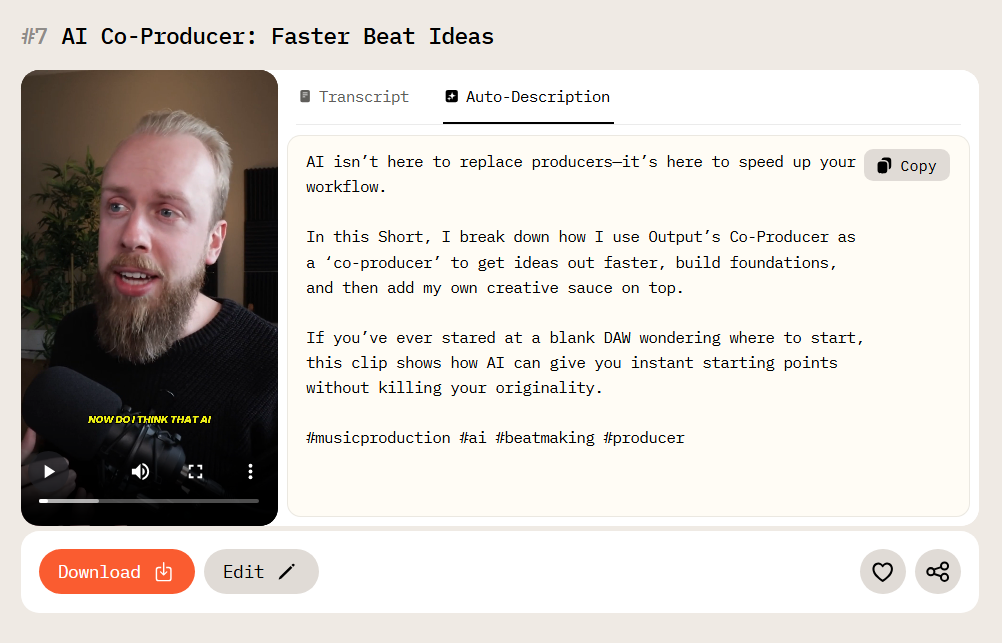
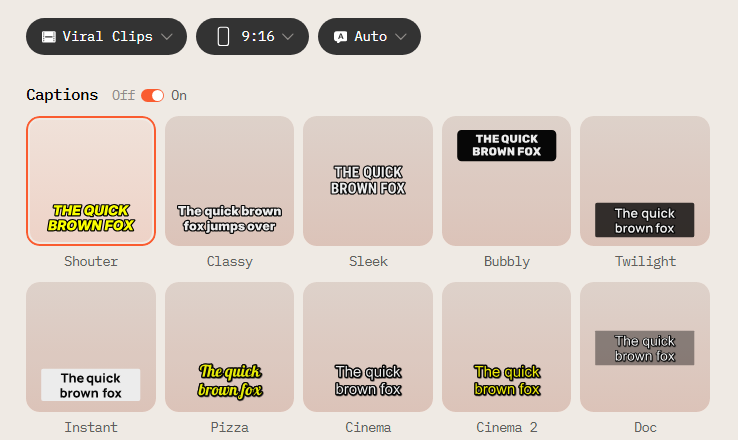
Another advantage is speed without losing control. You can decide how long your clips should be, choose the output type you need, fine-tune the cut afterward, and customize captions all in the same interface. You can change the aspect ratio of your Instagram Reels without rebuilding the video from scratch.
Best for: Content repurposing, podcasters, educators, and brands with existing long-form video libraries.
4K Download – Best for Saving Video and Audio
What it does: 4K Download saves videos and audio from the web to a local device. This is useful for archiving trending formats, downloading meme templates, saving reference clips, or extracting audio from videos as MP3s for use in editing tools.
Trends rarely start from nothing. Many of those also require downloading templates first, and that’s where 4K Download helps creators go viral. With 4K Download tools, you can save content on your device so you can reuse or modify it when you have a good idea. It's also great for everyday use, such as downloading videos to watch offline when you don't have an internet connection.
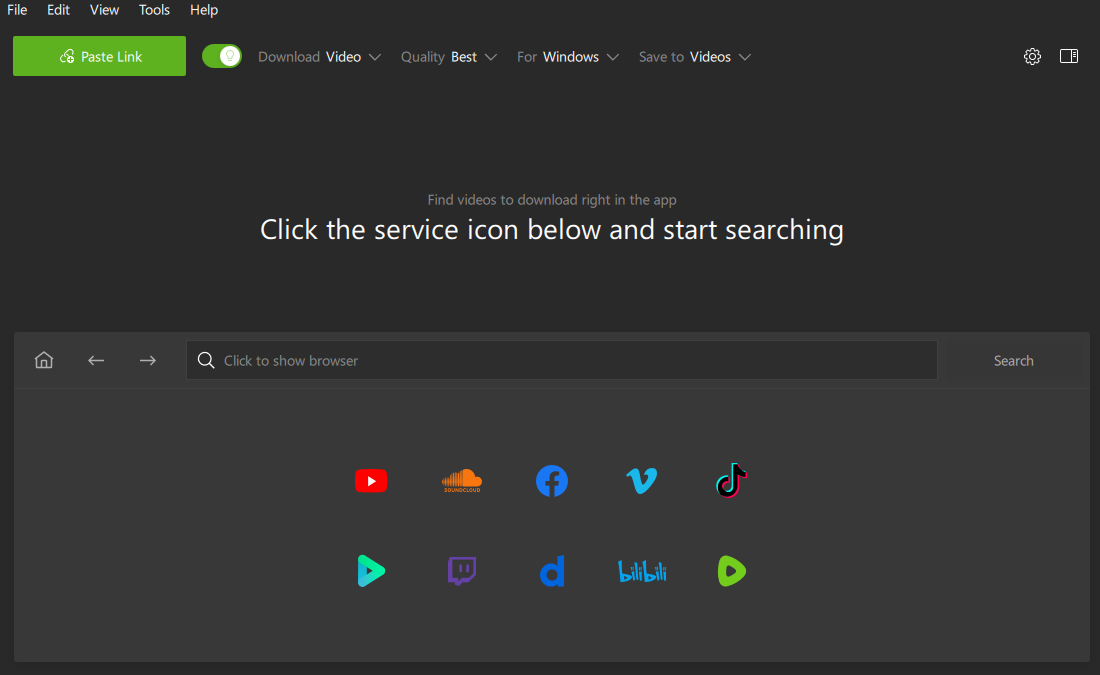
There is also an audio control feature: converting videos to MP3s makes it easier to work with trending sounds outside of the built-in editors. This saves time and avoids workarounds.
Best for: Creators who track trends closely and want a local library of references and audio tracks.
Pexels – Best Free Source for B-Roll Footage
What it does: Pexels is a free stock footage library for adding visual variety to Reels. It has cutaway shots, background clips, or supporting visuals that break up a talking-head or text-only format.
Thirty seconds of non-stop talking can feel like a lifetime in a short video. Even strong ideas can benefit from visual variation, especially in short formats designed for quick scrolling. That's where the Pexels archive comes in handy.
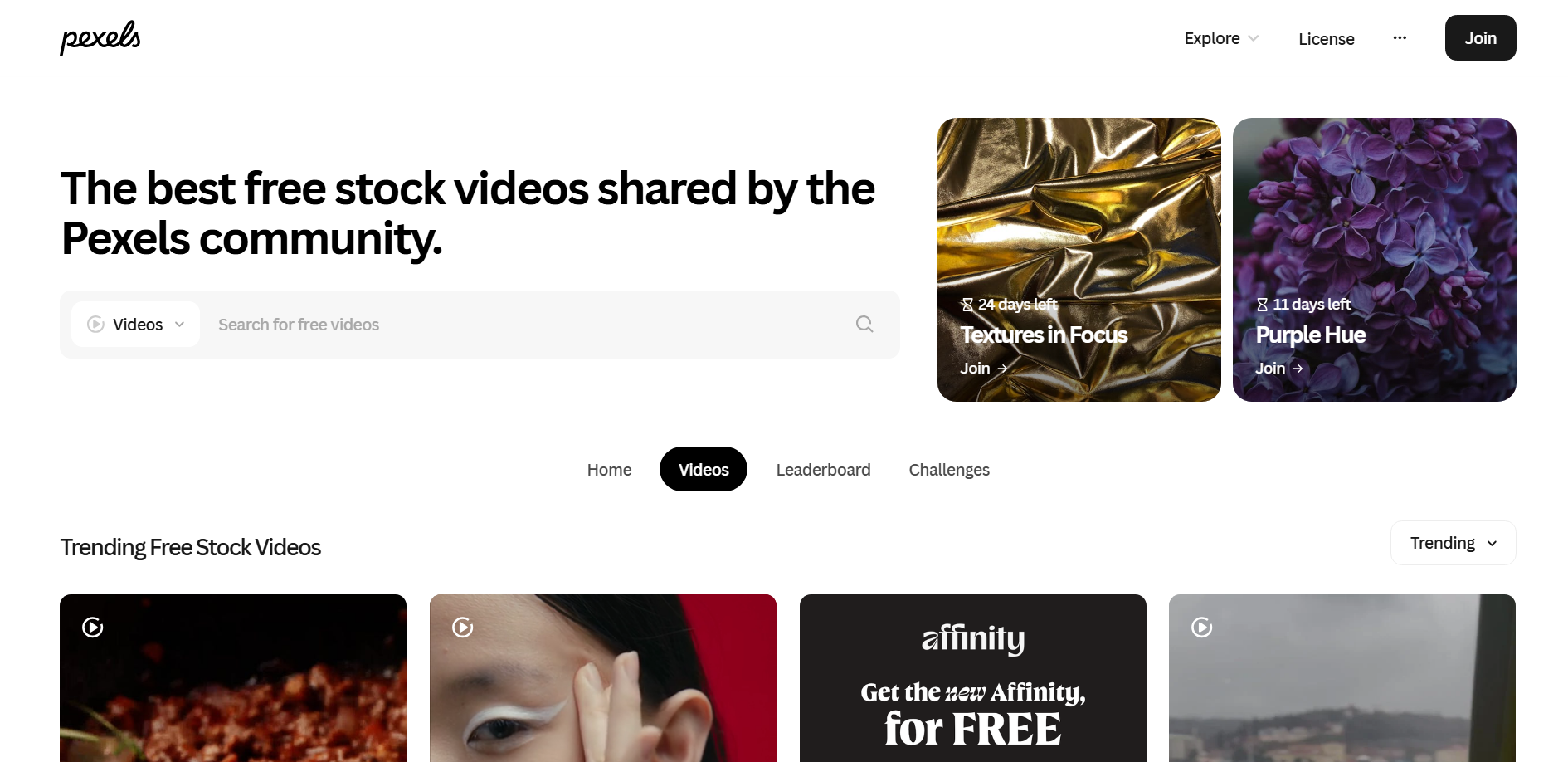
Instead of filling the entire frame, Pexels stock footage is often used to add visual interest and illustrate what is being said. A quick cutaway, a subtle background clip, or a supporting visual can reset attention without distracting from the message. If you're making educational, storytelling, or commentary-style Reels, this kind of b-roll can really help people remember your content and keep them watching. There is plenty of free footage available, and you will definitely find something that suits your content perfectly.
Best for: Anyone who needs visual variety without a production budget.
ElevenLabs – Best for AI Voice Generation
What it does: ElevenLabs generates realistic AI voices that can narrate Reels without requiring creators to record a voiceover.
Not every creator wants to be the voice of their content, and not every Reel needs a human face behind it. ElevenLabs makes that approach work without losing any quality.
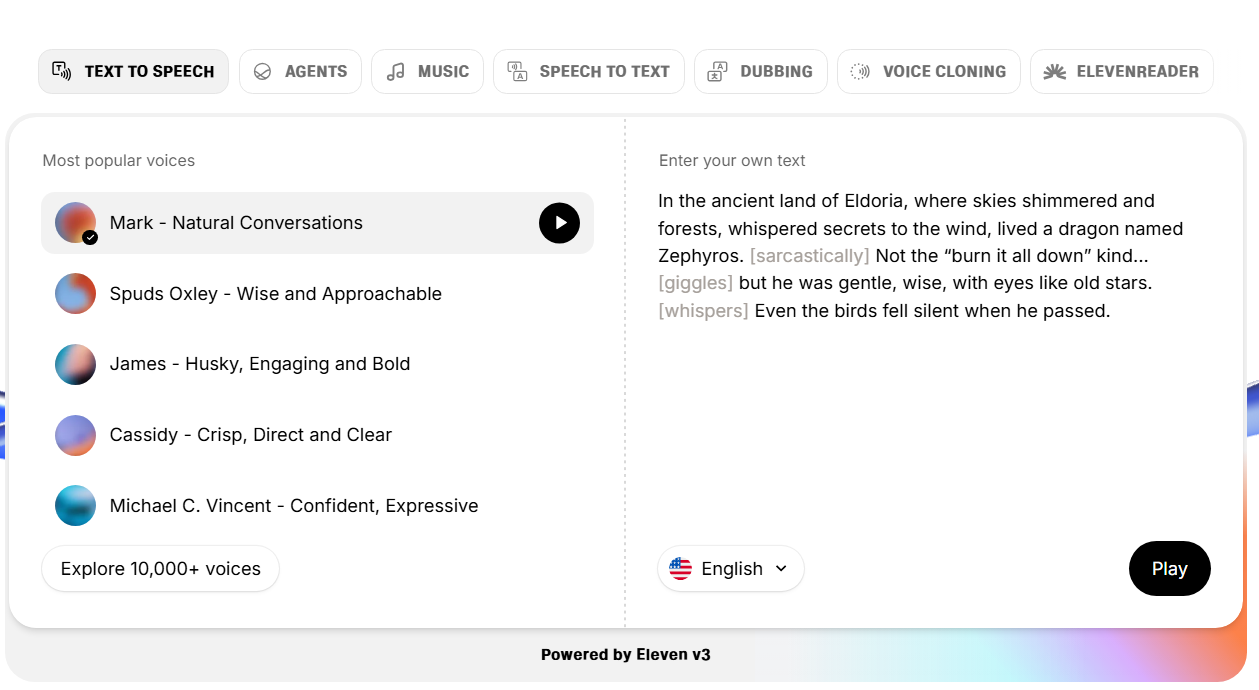
The AI-generated voices sound quite natural, so they can do longer explanations, which is good for educational, narrative, and faceless content. This can also be a great help for creators focused on scale, because it can be a real problem to keep recording voiceovers over and over again. You can adjust tone, pacing, pauses, and emotional intensity, which makes the voices suitable for any type of video.
Best for: Faceless content creators, high-volume producers, educational or explainer Reels.
LALAL.AI – Best for Audio Cleanup
What it does: LALAL.AI uses AI to isolate and remove unwanted audio elements, such as background noise, ambient sound, or unwanted vocal frequencies, from video recordings and voiceovers.
Visuals might stop the scroll, but audio decides whether your viewer stays. If the sound is poor, people will quickly stop watching, even if the video itself looks good. LALAL.AI is here to solve this problem before it becomes obvious.
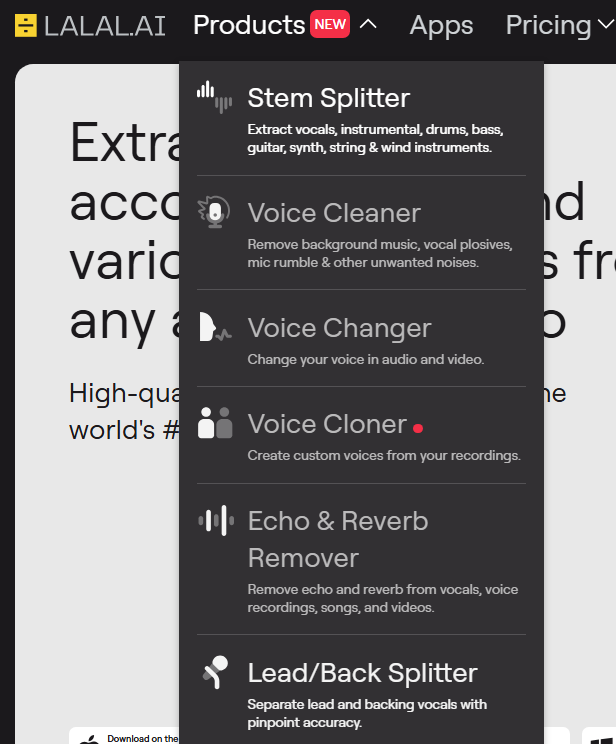
This AI tool is well-known for isolating different parts of a song, such as the singer's voice and various instruments. However, this is not the only thing LALAL.AI can do. It is actually a whole set of tools that can help you tidy up podcast recordings before turning them into Reels, remove vocals from songs for remix-style content, or reduce background noise from voiceovers that weren't recorded under ideal conditions.
Best for: Creators recording in non-ideal environments, podcasters, and anyone producing voiceover-heavy content.
HeyGen – Best for AI Avatar Videos
What it does: HeyGen creates AI avatar videos with a virtual presenter (either from a library or a custom digital twin of the creator) that speaks, explains, and presents. It is also possible to translate videos into other languages, including lip movements.
HeyGen addresses a real barrier to consistent Reel production: the energy cost of being on camera every day. You don't need to do this anymore to be visible these days, and many creators actually prefer it. HeyGen is a sign of a broader shift in short-form content: ideas matter more than presence. For newer creators still defining their niche, HeyGen offers a low-risk way to test content formats without committing to an on-camera identity early on.
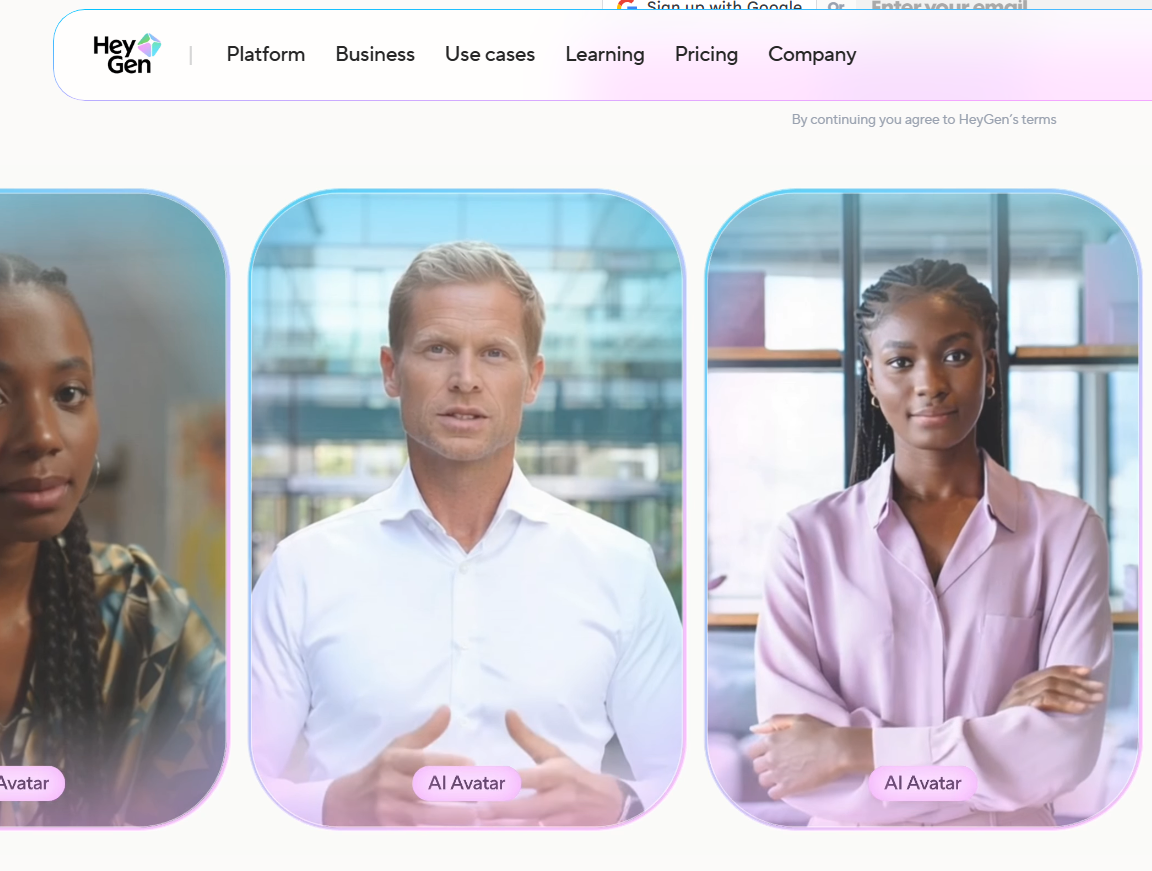
And one more exciting thing: HeyGen can translate speech in videos into other languages without changing the speaker's voice.
Best for: Faceless channels, multilingual content, creators building high-volume channels without on-camera filming.
Canva – Best for Branded Reel Covers and Thumbnails
What it does: Canva is a browser-based design tool for creating the cover image (thumbnail) that represents a Reel on a creator's profile grid.
Before anyone watches a Reel, they see its cover, and it becomes a decision point. For brands, it is also essential to stay consistent so that the content on the page looks cohesive, recognizable, and intentional.
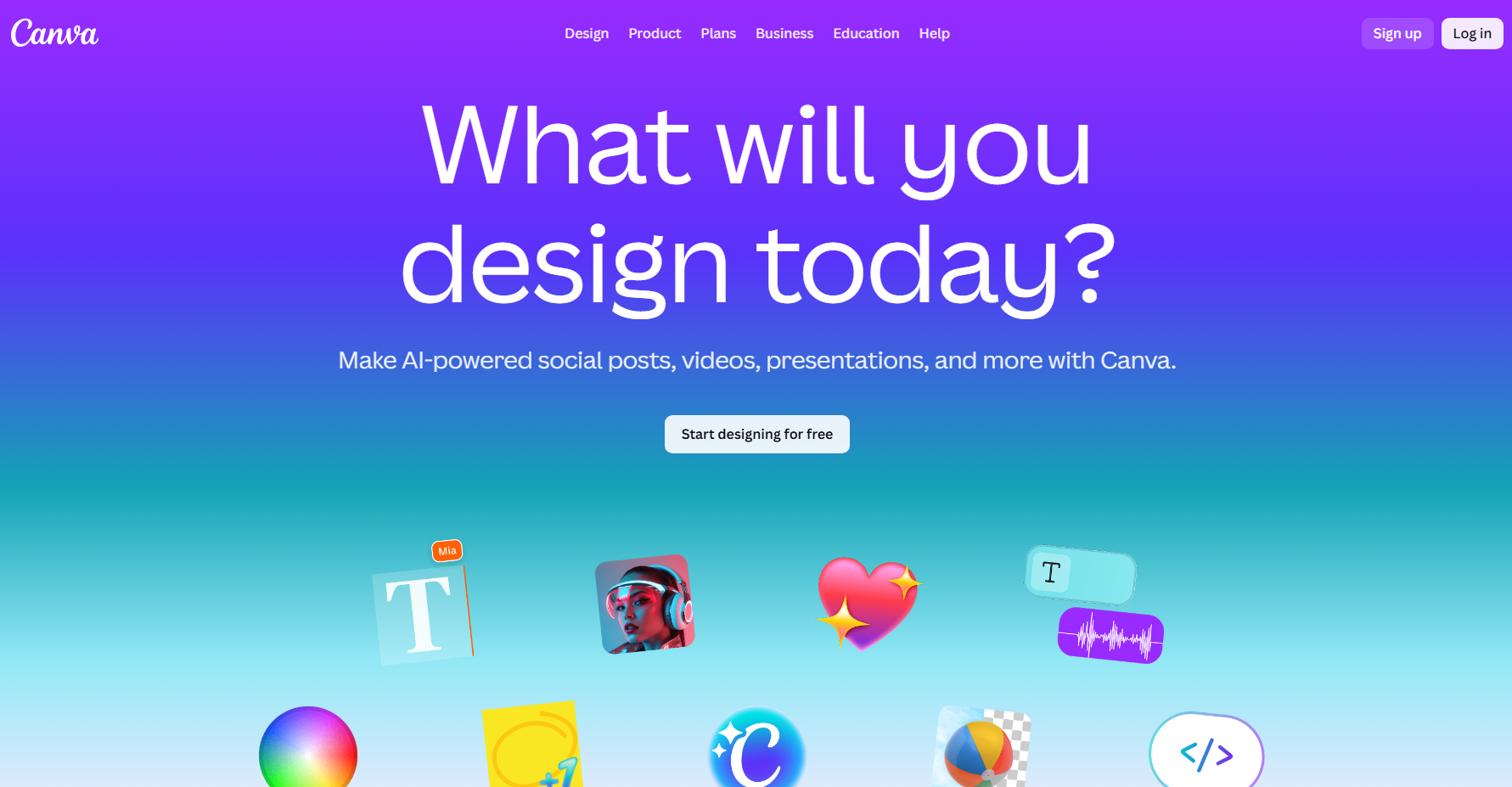
One of the best things about Canva is how easy it is to use existing brand assets in the thumbnail workflow. You can upload your own images, logos, custom backgrounds, or previously designed visuals directly into the thumbnail editor and reuse them across multiple Reels.
Its template library includes ready-made layouts for video covers and social thumbnails. You can build a small set of branded templates and iterate quickly without having to redesign from scratch for every post. As time goes by, you can make yourself a small set of templates that will make the thumbnail creation process quick and easy.
Best for: Brands, creators who publish consistently, and anyone managing a content calendar where visual cohesion matters.
CapCut (and CapCut Pro) – Best All-in-One Reel Editor
What it does: CapCut is the central editing hub where a Reel takes its final shape. It is the best tool for trimming clips, arranging a timeline, syncing audio, adding captions, and applying transitions and effects.
Most people would agree that it's one of the best Reel-editing apps around. It's not the best at just one thing, but it does a bunch of different tasks really well.
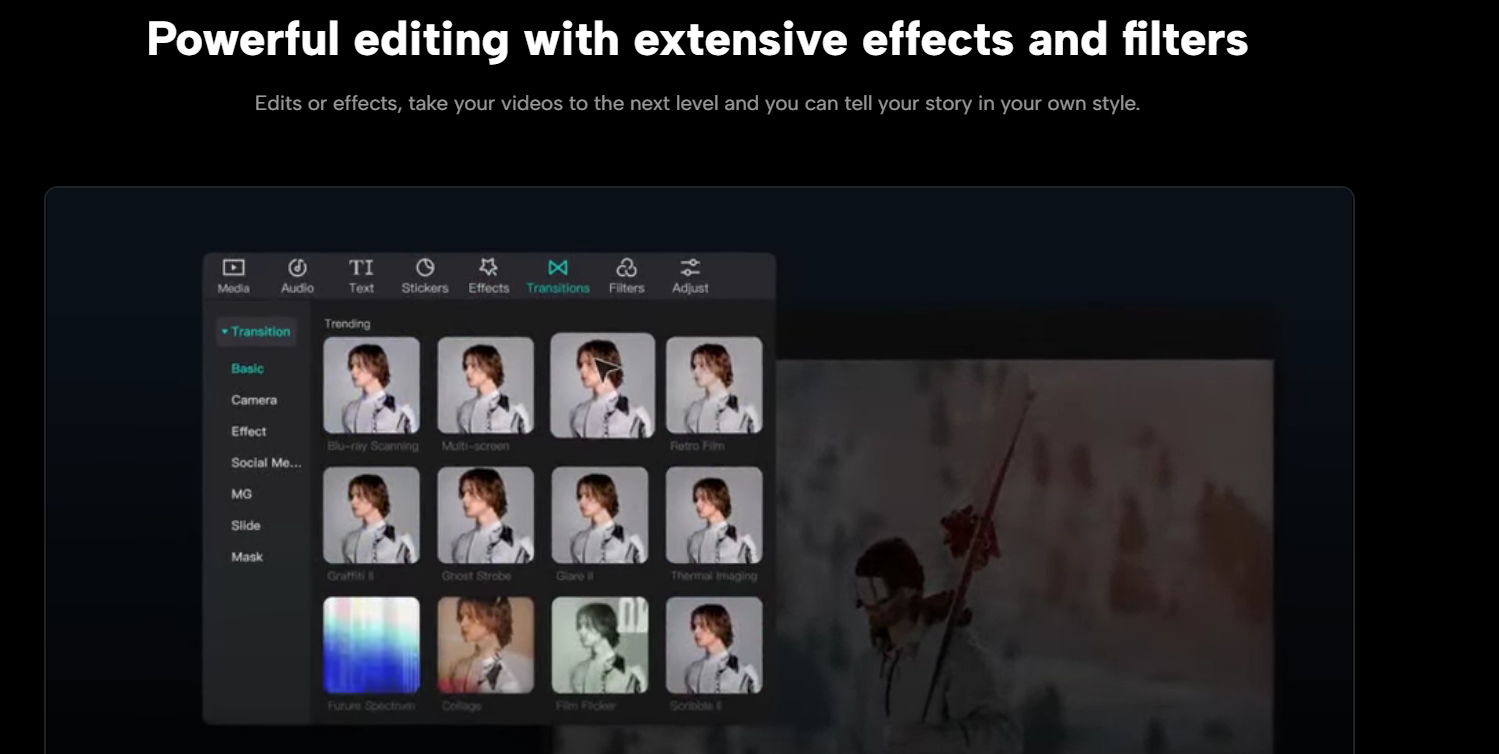
The free version covers everything most creators need: basic cutting, caption generation, timeline editing, and pacing adjustments.
CapCut Pro removes all limitations. The Pro version offers more effects, transitions, fonts, and visual assets, giving you greater flexibility without changing your workflow. It also provides access to AI features, including auto-generated subtitles and smart background removal.
The advantage of CapCut is that it doesn't try to replace every tool in the ecosystem. It works best as a central hub, bringing together clips from AI Video Cut, audio refined in LALAL.AI, visuals from Pexels, and thumbnails from Canva.
Best for: Most creators at any level. The free tier alone replaces many desktop editors for Reels-length content.
How do these tools work together?
Here's a typical reel production workflow using the above tools:
- Provide source content. Record original footage or identify a long-form video to repurpose.
- Extract clips. Use AI Video Cut to identify and cut the most engaging moments.
- Refine the audio. Run the recordings through LALAL.AI to remove background noise or unwanted sounds.
- Fill visual gaps. Add visual variety by pulling B-roll from Pexels.
- Generate narration in ElevenLabs or use HeyGen to create an avatar-style video (optional).
- Make final edits. Bring everything together in CapCut by arranging the timeline, adding captions, applying transitions, and adjusting the pacing.
- Design the Reel cover in Canva using existing brand assets or templates.
- Use 4K Download to save trending references and audio for future use.
While no single tool in this stack does everything, each one earns its place by solving a specific problem extremely well.
Don’t forget that consistency, not perfection, is the primary driver of growth in short-form content. When editing stops being exhausting, consistency follows. Try AI Video Cut and spend less time editing and more time being creative.
Frequently Asked Questions
What is the best app for editing Instagram Reels?
AI Video Cut is the best app for automatic clipping of long videos. CapCut is the most widely used manual video editor. Its free version covers all essential editing tasks. CapCut Pro adds AI features and an expanded asset library.
How long should an Instagram Reel be for maximum reach?
The optimal duration for the highest completion rates and shareability is 7-30 seconds. A study of 500 viral Reels found that clips lasting 7-15 seconds achieved retention rates of 60-80%. For tutorials or storytelling, 30-60-second clips can also perform well.
Do I need to be on camera to make Instagram Reels?
No. Tools such as ElevenLabs (for AI voiceovers) and HeyGen (for AI avatar videos) enable content creators to produce high-quality Reels without appearing on camera themselves. The number of faceless content channels on Instagram has grown significantly as AI generation tools have improved.
How can I repurpose long videos into Reels quickly?
With AI Video Cut. This tool analyses spoken content in long-form videos and automatically extracts the most engaging segments. Handling aspect ratio conversion and caption customization in a single workflow makes it one of the fastest ways to convert existing content into Reels-ready clips.
AI notice: This feature uses AI technology to process your video files.